Why Home Bitcoin Mining Setup Beats Cloud for New Solo Miners
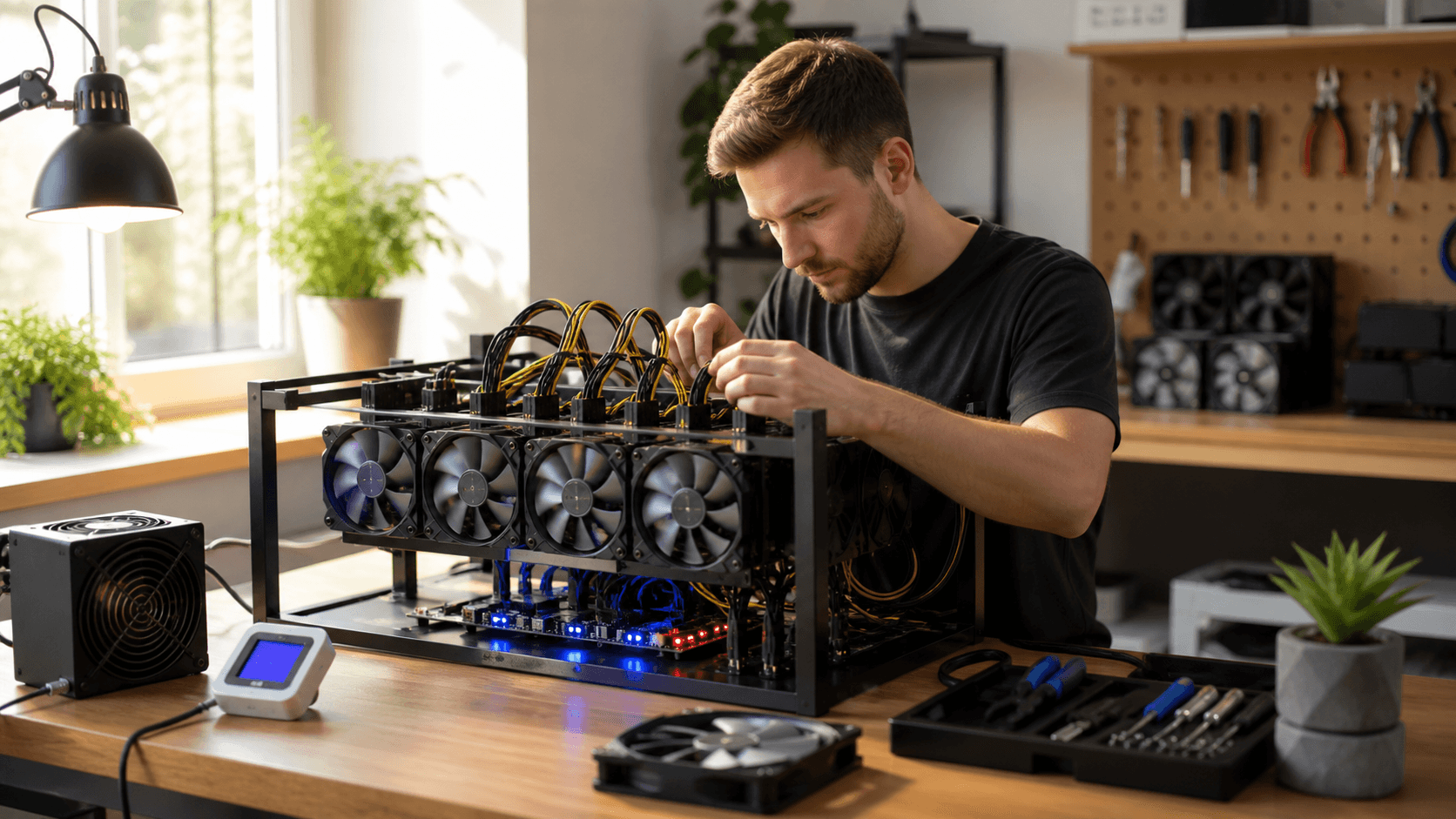
A home Bitcoin mining setup gives you something cloud mining never can: a small, humming box you can see, touch, and control. When you are new to solo or lottery-style mining, that physical connection makes it much easier to learn what is really going on and decide how far you want to go.
As weather cools and heaters start running, a compact miner can pull double duty. It turns electricity into both hashrate and warm air. Instead of paying for heat that does nothing else, many home miners like the idea of their heating money also giving them a small chance at a block reward.
If you are trying to decide between cloud mining and a compact home rig, we recommend starting with a small, efficient home miner. It keeps your costs predictable, lets you actually see and control the hardware, and gives you real hands-on experience.
Quick Call to Action: If you already know you want to try home solo or lottery-style mining, start with a compact, low-power unit and a quality power supply. You can always scale up once you're comfortable with the basics.
We will walk through why home rigs often beat cloud contracts for beginners, how compact miners like Bitaxe and NerdQaxe fit into real homes, and what to expect with noise, power, and setup.
Home Bitcoin Mining Setup vs. Cloud: What Really Matters
Cloud mining sounds easy. You pay a fee, get a hashrate number on a dashboard, and wait. The problem is you cannot see the hardware, you cannot check the wiring, and when the contract ends, there is nothing left.
At home, a compact miner gives you:
- Control of when it runs or rests
- Clear stats on hashrate and temperature on your own network
- An actual device you can move, resell, or upgrade
Here are a few key terms in plain English:
- Hashrate: how fast your miner guesses numbers to try to find a block
- Network difficulty: how hard the guessing game is for everyone
- Variance: the luck factor; one month you might hit nothing, another month you might get lucky
Cloud contracts often show neat ROI charts, but they may not fully reflect things like changing maintenance fees, downtime, or difficulty swings. With home gear, your main costs are straightforward:
- Hardware itself (miner + PSU)
- Electricity
- Maybe a small fan or stand for cooling
Many new miners find it helpful to write down three things before picking a rig:
- Power rate from the home electric bill (cents per kWh)
- How much noise they can live with
- Where the miner will sit
That simple list points you toward the right type of compact miner.
Home vs. Cloud Mining: Practical Comparison
We keep comparisons neutral and useful. Here's a high-level, evidence-based look at home compact miners vs. typical cloud mining contracts for new solo or lottery-style miners:
Model / Option | Hashrate Visibility | Electricity Use & Cost Control | Noise & Heat | Ownership | Setup Difficulty | Ideal User
Compact Home Miner | You see actual hashrate on your LAN/web UI | You pay the power bill directly and can adjust runtime | Sounds like a small PC/box fan; adds local heat | You own the hardware and can resell or repurpose it | Basic network setup, some tinkering | New solo miners who want to learn and control hardware
Cloud Mining Contract | You see reported hashrate in a dashboard; actual backend is opaque | Power is baked into contract pricing; less direct control | No noise or heat at home | Contract usually ends with no hardware ownership | Easy signup; no hardware tasks | Users who don't want hardware on-site and accept contract risk
For most new home miners, we see better long-term value and learning from small, efficient home rigs. Cloud mining can remove noise and heat but trades that for less transparency and no hardware at the end of the term.
Comparing Compact Solo Miners for Home Use
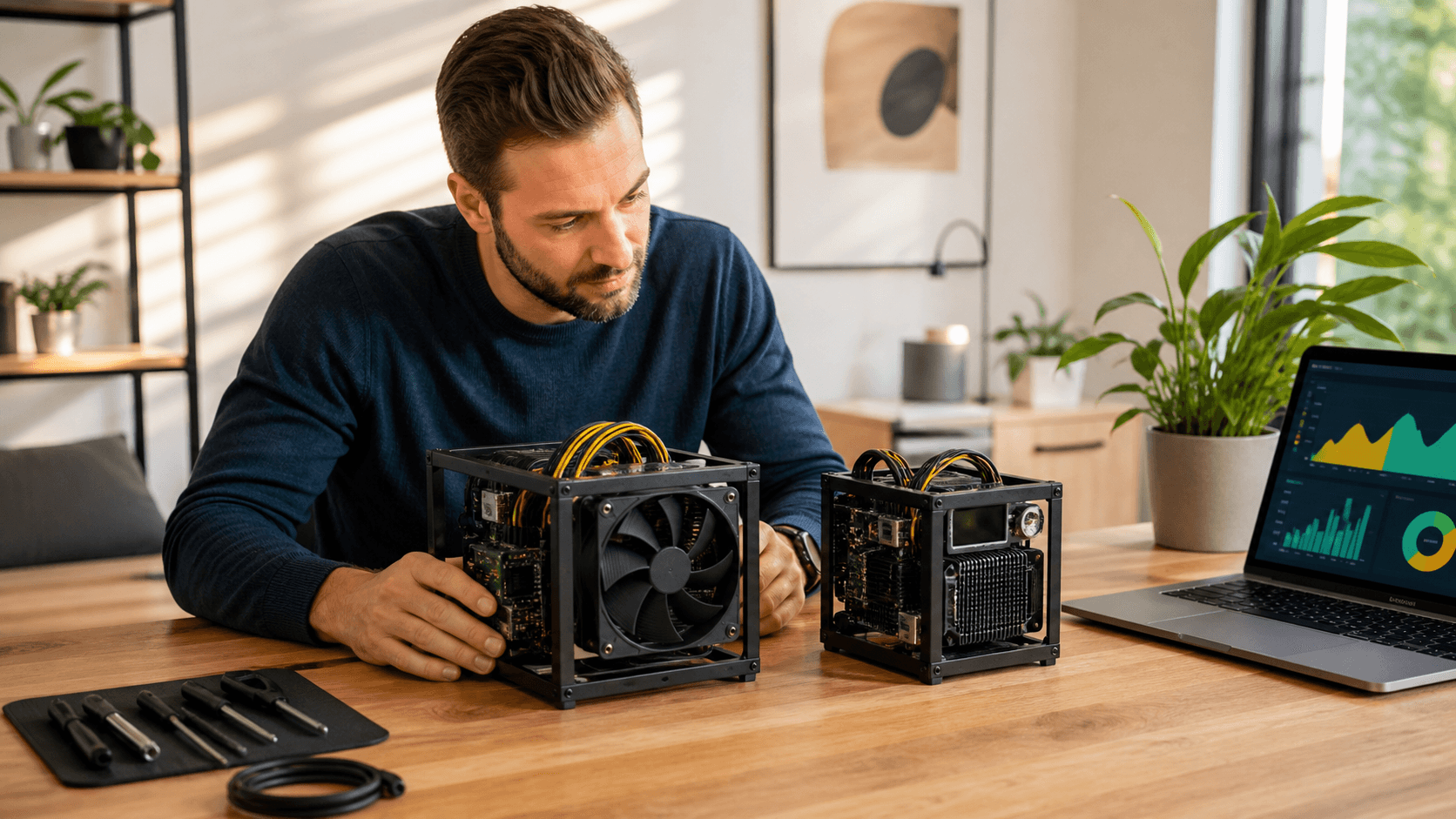
Compact solo miners like Bitaxe and NerdQaxe are built for this kind of home Bitcoin mining setup. They sip power compared to big industrial rigs, run on a simple power supply, and usually sit on a shelf or desk.
Below we use generic styles you'll see on the market. Exact specs vary by batch and manufacturer, so always check current product listings for up-to-date numbers.
- Bitaxe Entry: learning-focused, modest hashrate, very low power
- Bitaxe High-End: higher hashrate, more heat, better odds over time
- NerdQaxe Lottery: fun solo or pool lottery unit, low power, hobby feel
- Quiet Efficiency Model: tuned for low noise in shared spaces
Compact Miner Comparison Table
Model Name | Approx Hashrate | Power Draw | Noise Level | Cooling Needs | Connectivity | Setup Difficulty | Ideal User | Budget Tier
Bitaxe Entry | Low | Very low | Very quiet | Stock fan only | Wi-Fi or Ethernet | Easy | First-time solo miner learning basics | Lower
Bitaxe High-End | Higher | Moderate | Noticeable | May want extra fan or better airflow | Ethernet preferred | Moderate | Hobbyist chasing better lottery odds | Mid
NerdQaxe Lottery | Low to moderate | Low | Quiet | Stock fan only | Wi-Fi | Easy | Lottery-style fun, casual tinkering | Lower to mid
Quiet Efficiency | Moderate | Low to moderate | Extra quiet | Good airflow, maybe stand | Wi-Fi or Ethernet | Easy | Apartment or shared space focused on noise | Mid
How Each Factor Affects You
- Hashrate: Mostly affects odds and variance. It does not turn solo mining into a steady paycheck. Higher hashrate means more guesses per second and a better chance of a lucky block over months or years, not a guarantee.
- Electricity use: Power draw is usually listed in watts. To estimate cost: Multiply watts by hours run per day, divide by 1,000 for kWh, then multiply by your local rate per kWh.
- Noise: Compact miners often sound like a small PC or box fan. That's usually fine in: a home office, a basement shelf, a garage corner, or a ventilated closet.
- Cooling: Most compact units can run on their stock fan, but many owners add a simple USB fan, small desk fan, or stand to help airflow, especially in warmer rooms.
- Connectivity: Wi-Fi is handy if the router is across the room; Ethernet is more stable if you have a spare port. Most compact miners use a simple web interface on your local network.
- Setup difficulty: Entry and lottery-style units tend to be "plug, connect, configure pool," while higher-end boards may expect more firmware flashing or tuning.
- Ideal user: Picking the right profile (entry, quiet, or higher hashrate) matters more for new solo miners than squeezing out every last hash.
Call to Action: Once you know your noise tolerance, power rate, and where the miner will live, choose one compact model from the table above that matches your "Ideal User" profile, then pair it with a quality PSU rated comfortably above its wattage.
Best Home Mining Setups by Budget and Space
Below are straightforward "best for" style recommendations based on what we see working in real homes.
Best for Low Budget, Learning, and Tinkering
Recommended style: Bitaxe Entry or NerdQaxe Lottery
- Why: Very low power draw, simple setup, and quiet enough for most rooms. Great for understanding hashrate, pools/solo nodes, and basic firmware without a big electric bill.
- Typical setup: Compact entry-level miner, solid power supply rated slightly above the miner's draw, basic surge protector, and an optional cheap desk fan if the room runs warm.
Best for Quiet Apartments and Shared Spaces
Recommended style: Quiet Efficiency Model or quiet-focused Bitaxe variant
- Why: Tuned for lower fan noise while still giving you meaningful hashrate for lottery-style mining. Fits better in apartments with thin walls or shared offices.
- Helpful accessories: Quiet stand or case to keep it stable and cut resonance, rubber feet or thermal pads to reduce vibration on wood surfaces, and simple cable management ties so nothing pulls or tangles.
Best for Hobbyists Chasing Better Solo Odds
Recommended style: Bitaxe High-End or multiple compact miners
- Why: Higher hashrate or multiple units increase your long-term odds of finding a block (still with high variance), while staying within a home-friendly power envelope.
- Things to watch: More heat output → treat it like a small heater; more fan noise → better in a spare room, basement, or garage; higher load on the circuit → consider using a power meter to stay within limits.
- Recommended accessories: Stronger, reputable PSU with headroom, open metal shelf for airflow, and a plug-in power meter to track actual draw and cost.
Cool fall and winter air are your friend. The extra heat feels nice, and part of the heating budget now feeds your mining experiment.
If a specific model you're eyeing is sold out, look for an in-stock unit with similar hashrate and power draw. Most compact miners in these classes behave similarly in home environments, so matching wattage, noise profile, and connectivity usually gets you a close equivalent.
Cloud Mining vs. Home Rigs: Real-World Tips
Cloud mining does have upsides in some cases:
- No noise in your living space
- No hardware to plug in or watch
- Quick signup from almost anywhere
But downsides are real:
- You cannot easily verify the actual hashrate or uptime behind the dashboard
- When the contract ends, you usually own no hardware
- Difficulty changes and fee tweaks can shift results mid-contract
Home mining shines when you want to learn and keep your options open. You can:
- Point your miner to a different pool or solo node
- Update firmware when new builds appear
- Unplug or move the miner if power rates change
- Sell or repurpose the hardware later
Noise, Placement, and Cooling
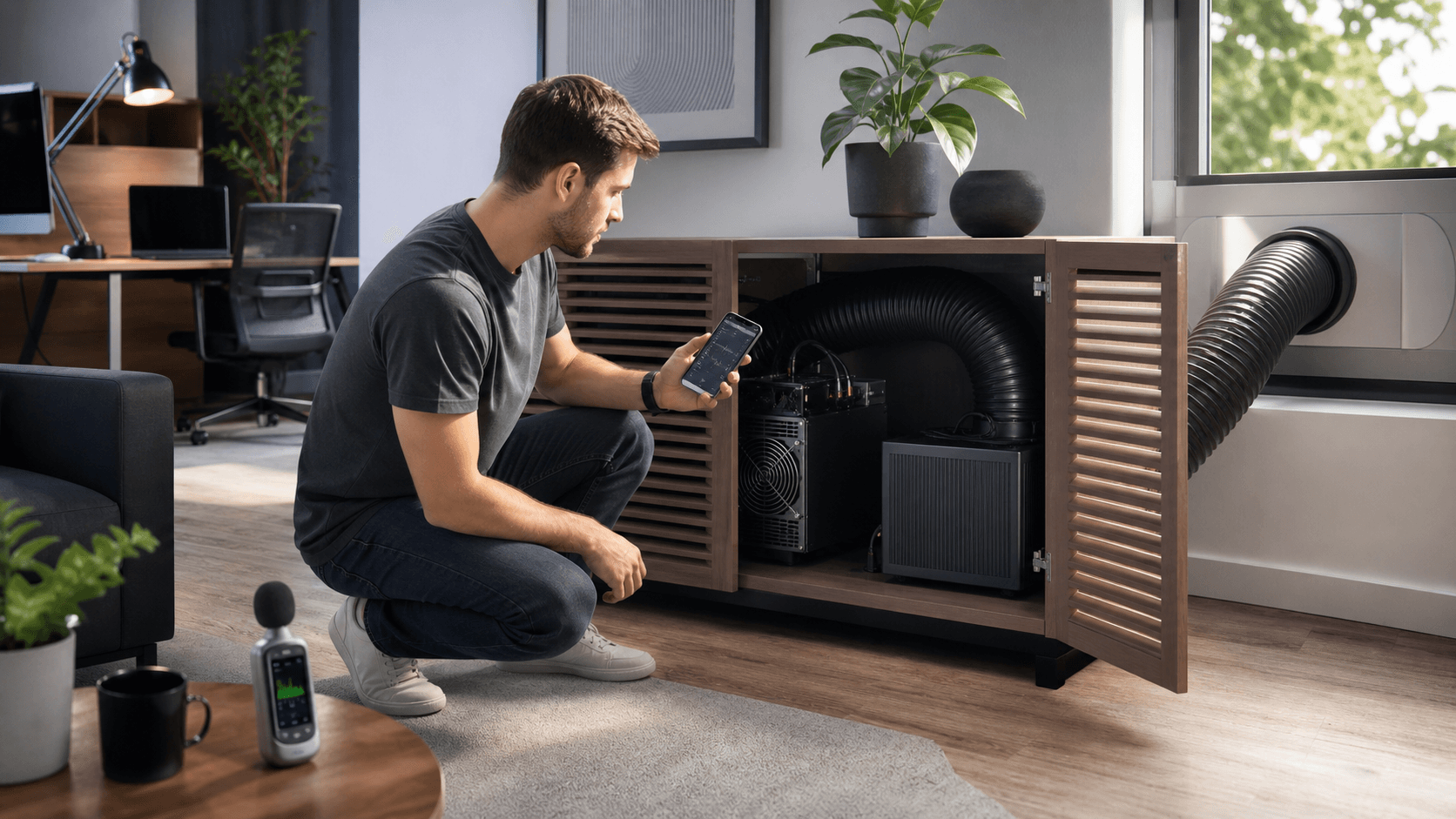
Noise and placement are simple but important. Compact rigs often sit in the range of a desktop PC to a box fan. A few quick tips:
- Put the miner on a solid table, not a hollow shelf
- Leave space behind it for hot air to escape
- Use rubber feet so vibration does not buzz on wood
For power and safety:
- Use a grounded outlet, not a worn-out strip in a tangle of plugs
- Avoid daisy chains of cheap extension cords
- Match your PSU to the miner, with a bit of headroom
Cooling shifts with seasons. In summer, you may lower fan curves or move the miner to a cooler room. In cooler months, you can let it run harder and treat the heat as a bonus.
Connectivity and Setup Difficulty
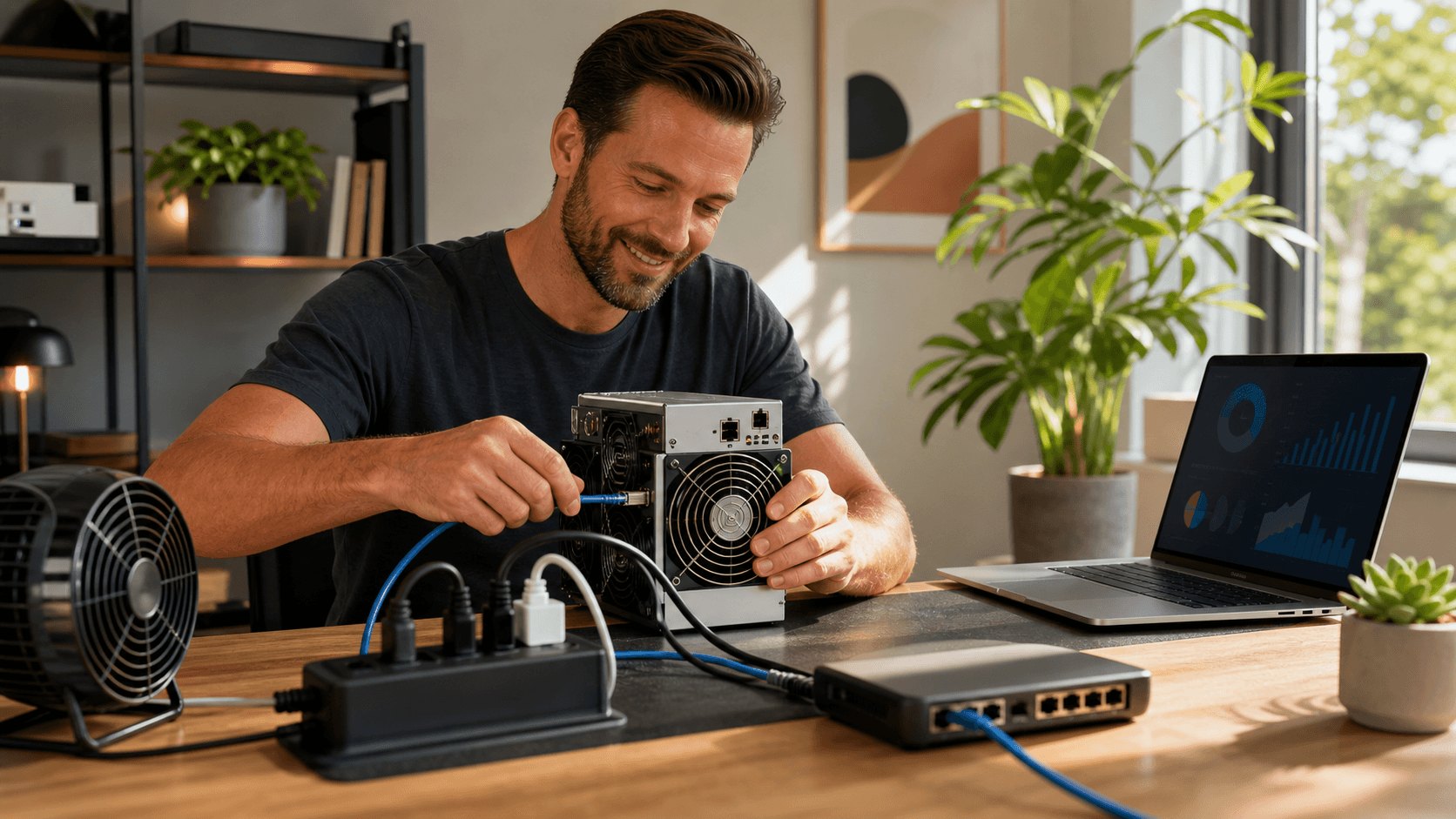
Most compact miners follow a simple setup pattern:
- Plug in power
- Connect to router or Wi-Fi
- Open the web page in a browser
- Add your pool or solo node and wallet address
Some models are beginner-friendly with clear menus; others expect more tinkering and firmware flashing. New solo miners often start with the simpler units, then move up once they're comfortable.
Call to Action: Decide if you care more about silence or control. If you want maximum quiet and zero hardware, a carefully chosen cloud contract may fit. If you want transparency, flexibility, and something you own, pick a compact home miner and start small.
Quick FAQ From New Solo Miners
How much can you realistically earn with a compact solo miner?
Solo and lottery-style mining is like buying a long string of tiny lottery tickets. You might get lucky, you might not. Most home miners treat it as a hobby with upside and a way to learn mining from the inside, not a primary income source.
Will a home Bitcoin mining setup make the power bill explode?
A compact miner usually draws closer to a bright light or small space heater than a big industrial rig. Use the simple watts × hours × rate method to plug in your own numbers. That way there are no surprises.
Is it too late to start mining Bitcoin at home?
For large-scale farms chasing steady income, things are tough. For home solo and learning, it's more about participation and understanding than stacking steady payouts. Compact miners are still a practical way to learn the ropes.
What's the best compact miner if I'm very sensitive to noise?
Look for quiet-focused or "Efficiency" models with lower fan RPMs and moderate hashrate. Place them in a room with soft furnishings (curtains, carpet) and use rubber feet to cut vibration. Avoid open, echoey spaces if you're noise-sensitive.
Can you run a miner safely in an apartment or rented house?
Yes, if you watch noise, heat, and power. Pick quieter, more efficient models, keep cords neat, and be mindful of thin walls and shared circuits. A compact unit with a quality PSU and surge protection is usually apartment-friendly.
What happens if the miner you want is sold out?
Look for in-stock units with similar hashrate and power draw. Many compact miners share a lot of traits, so it's often easy to find a close match while you wait for restocks. Where available, sign up for restock emails so you can move quickly when your preferred model reappears.
As fellow home miners here at Saber Shore, we run the same style of compact rigs we talk about here. We focus on realistic expectations and simple, clear setups that work in normal homes, not giant data halls.
Final Call to Action: If you're ready to start, choose a compact miner that fits your noise and power budget, add a reliable PSU and basic cooling accessories, and get your first home Bitcoin mining setup humming. Start small, learn the hardware, and then decide if you want to scale up your solo or lottery-style mining from there.
Start Your Profitable Home Mining Journey Today
Take the guesswork out of building a reliable home Bitcoin mining setup with hardware and guidance curated by Saber Shore. We focus on efficiency, noise, and power use so you can mine confidently from home instead of endlessly comparing specs. If you have questions about power requirements, cooling, or network configuration, contact us and we will help you dial in the right solution for your space.