Place Your Bitcoin Lottery Miner Safely and Smartly
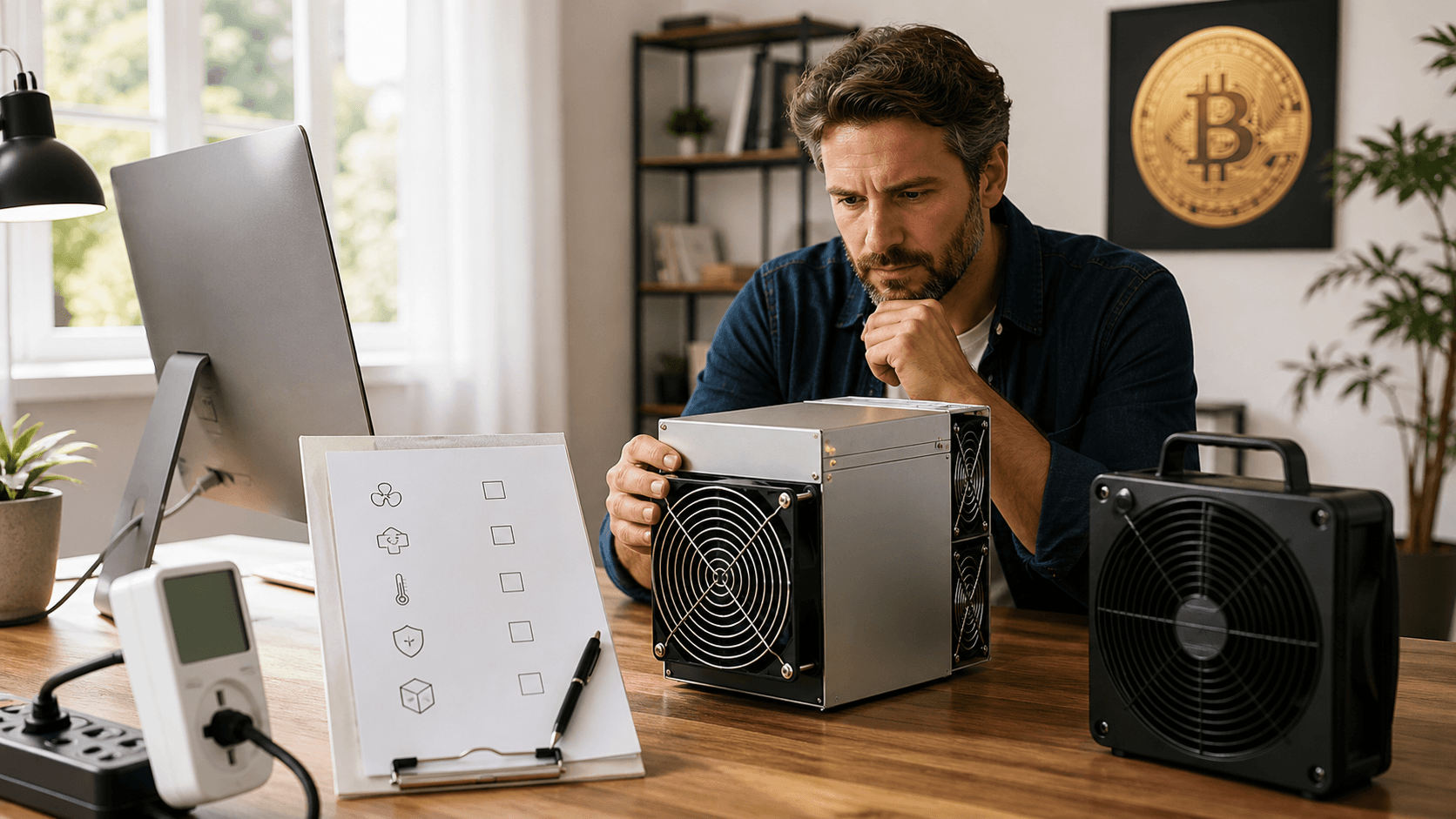
If you're running a small Bitcoin lottery miner at home, the safest and smartest place is usually a cool, well‑ventilated room where noise won't bother anyone, most often a basement first, a garage second, and a thoughtfully chosen spot in an apartment if that's what you have. The right compact miner (Bitaxe Ultra, Bitaxe Max, NerdQaxe, or a USB stick) lets you run 24/7 without turning your home into a noisy server room.
If you're ready to start or improve your setup, you can pair a quiet Bitaxe‑style board with a quality PSU and a simple shelf or rack and be mining in under an hour.
We'll walk through which miner fits which space, compare popular compact lottery miners, and give room‑by‑room placement ideas for apartments, garages, and basements, especially useful for renters and small homes.
Quick Comparison: Compact Bitcoin Lottery Miners
Below is a practical comparison of common compact styles you'll see from us at Saber Shore. These are rough, typical traits to help you choose what fits your home and budget.
Miner Type
Approx. Hashrate & Odds
Power Use
Noise
Cooling Needs
Connectivity
Setup Difficulty
Ideal User
Bitaxe Ultra style board
Mid‑range solo hashrate with reasonable lottery odds for hobbyists over long periods
Tens of watts (low, 24/7 friendly)
Like a quiet desktop fan or PC
Small fan; likes open air, normal room temps
Wi‑Fi; simple web interface
Easy: plug in PSU, join Wi‑Fi, set pool/solo config
First‑time hobbyist wanting simple solo mining at home
Bitaxe Max style board
Higher solo hashrate; better long‑term odds per unit than Ultra‑class
Higher tens of watts
Still compact; more airflow noise when pushed
Small fan; may run warmer at higher clocks
Wi‑Fi; often more solo/pool options
Moderate: simple for basic use, more options for tuners
Long‑term solo miner wanting more hashrate per watt
NerdQaxe style board
Similar class to Bitaxe Max/Ultra; tuned for flexible solo setups
Similar to Ultra/Max depending on tuning
Adjustable fan; can be tuned quieter or cooler
Great for people who like tweaking fan curves and airflow
Wi‑Fi; firmware menus favor tinkerers
Intermediate: best if you're comfortable with firmware menus
Tinker type with a bench/garage rack who enjoys tuning
Budget USB stick / mini miner
Very low hashrate; true lottery ticket, mainly for learning
Single to low double‑digit watts
Near‑silent, often passively cooled or tiny fan
Simple heatsink or tiny fan; very easy to cool
USB; needs a PC or Raspberry Pi running mining software
Moderate: requires host setup and mining software
Learner on a tight budget in a small apartment
Compared to large industrial ASICs, these compact miners draw far less power, take much less space, and are much quieter. Industrial gear is built for sheds and data centers, not bedrooms, while these boards are built for desks and shelves.
Best Picks by Budget and Use Case
Here are clear "best for" recommendations based on how and where you plan to mine:
Best Budget Miner for a Small Apartment:
a USB stick or low‑power Bitaxe‑style board paired with a simple, properly rated PSU. This keeps heat and noise low while you learn the ropes.
Best Quiet Miner for Bedroom or Home Office:
a Bitaxe Ultra‑style board with a quality, low‑noise power supply and open‑air shelf. Good balance of hashrate, low noise, and simple setup.
Best Tinker Board for a Garage Rack:
a NerdQaxe or Bitaxe Max‑style board with adjustable fan, dust filters, and a stable PSU mounted on a small wire rack.
Best Long-Term Solo Lottery Rig on a Budget Circuit:
one Bitaxe Max‑class board in a cool basement corner with solid Wi‑Fi or Ethernet, so you can set it and forget it.
If you're unsure which way to go, start with a Bitaxe Ultra‑style kit (board + PSU + basic stand). It's quiet, efficient, and easy to live with in almost any room.
Call to Action: Choose Your Miner and Power Setup
To get started safely, match your space to your miner:
- Small apartment: USB stick or Ultra‑style Bitaxe with a quiet, rated PSU.
- Garage or basement: Max or NerdQaxe board, wire rack, dust filters, and surge‑protected power strip.
Pick the form factor that fits your room, then add the matching power supply and a simple rack or shelf so you're mining safely from day one.
Choosing the Right Bitcoin Lottery Miner for Your Space
Hardware choice comes before room choice. A quiet 20, 60 watt Bitcoin lottery miner gives you far more placement options than a loud multi‑kilowatt ASIC that demands its own corner of the house.
Here are direct picks many home miners end up liking:
Best for Most New Solo Miners:
Bitaxe Ultra‑style board + 80+ rated PSU + basic stand.
Best for Higher Odds Over the Long Haul:
Bitaxe Max‑style board + stable PSU in a garage or basement.
Best for Experimenters:
NerdQaxe board on a bench with adjustable fan curves and a dedicated surge‑protected outlet.
Best for Pure Education:
Budget USB stick miner + Raspberry Pi host, perfect for tight spaces.
Safety and Placement Basics (All Home Types)
No matter which room you use, keep these fundamentals in mind:
- Noise: Compact miners still have fans. Keep them away from beds and shared walls where possible.
- Heat: Even 20, 100 W adds steady heat. Always give the miner open air and a few inches of space on all sides.
- Ventilation: Don't place miners in sealed cabinets or tightly packed bookcases.
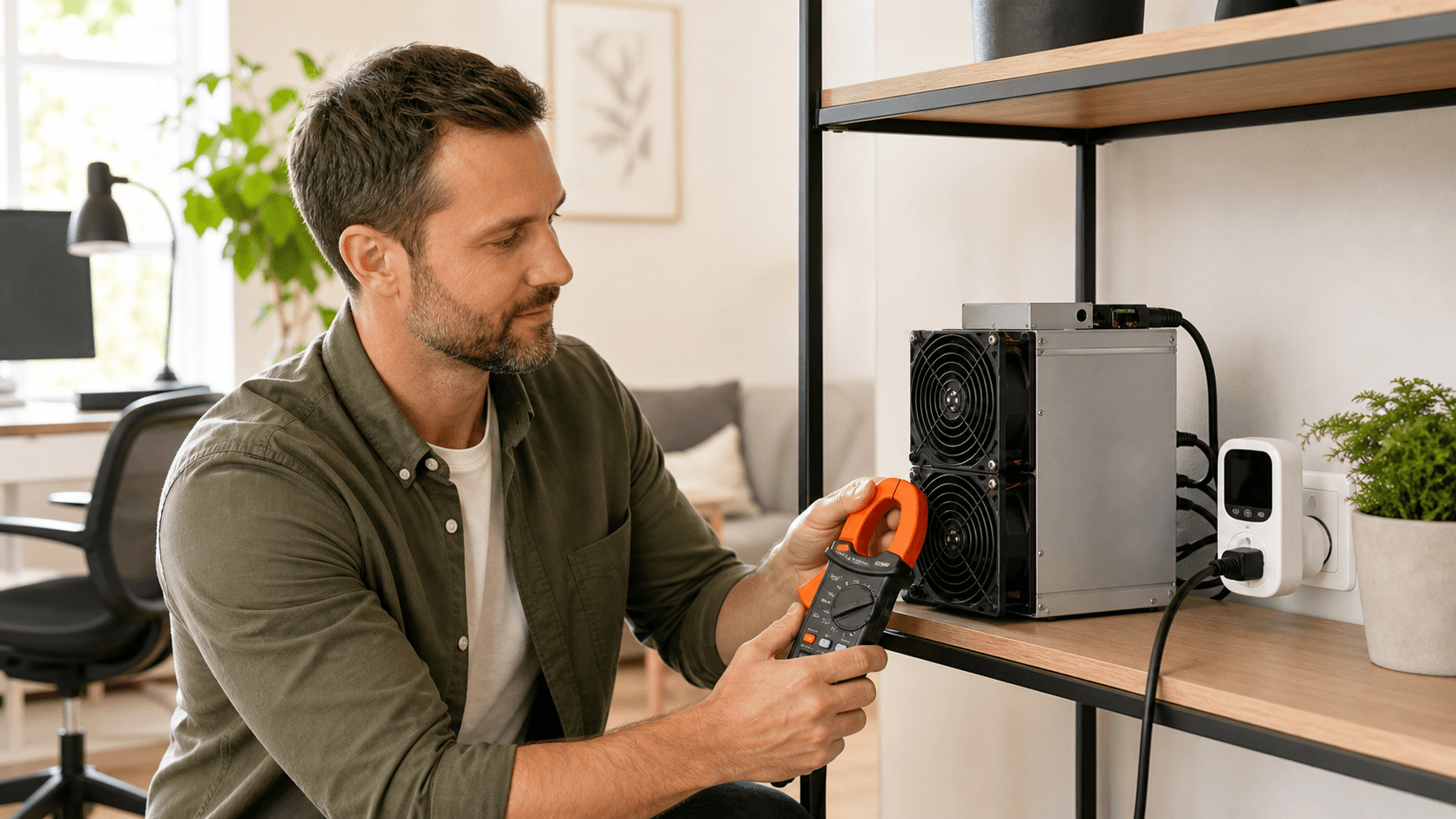
- Fire Safety: Use a proper PSU, good outlets, and avoid overloading strips. Keep flammables away from exhaust.
Apartment Placement Guide for Quiet, Safe Mining
In an apartment, your goals are quiet, low heat, and not annoying neighbors or roommates.
Good Rooms and Spots:
- Small home office or desk corner
- Hallway shelf that is not on a shared wall
- Living room media stand away from your TV speakers
Try to Avoid:
- Walls shared with a neighbor's bedroom
- Bare, echo‑prone corners that make fan noise sound louder
For sound control, put the miner on a solid surface, not a hollow desk that vibrates. Soft items nearby, like a couch, curtain, or rug, can cut sharp fan sounds. For studio or one‑bed apartments, place it as far from your bed as you can and close the door at night if possible.
Even a 20, 100 watt device adds heat when it runs all day. In small, sealed apartments, this can be noticeable, especially once windows stay shut and the heater starts running. Keep the miner on an open shelf with a few inches of space all around, not inside a closed cabinet or packed bookcase.
For Safety and Power:
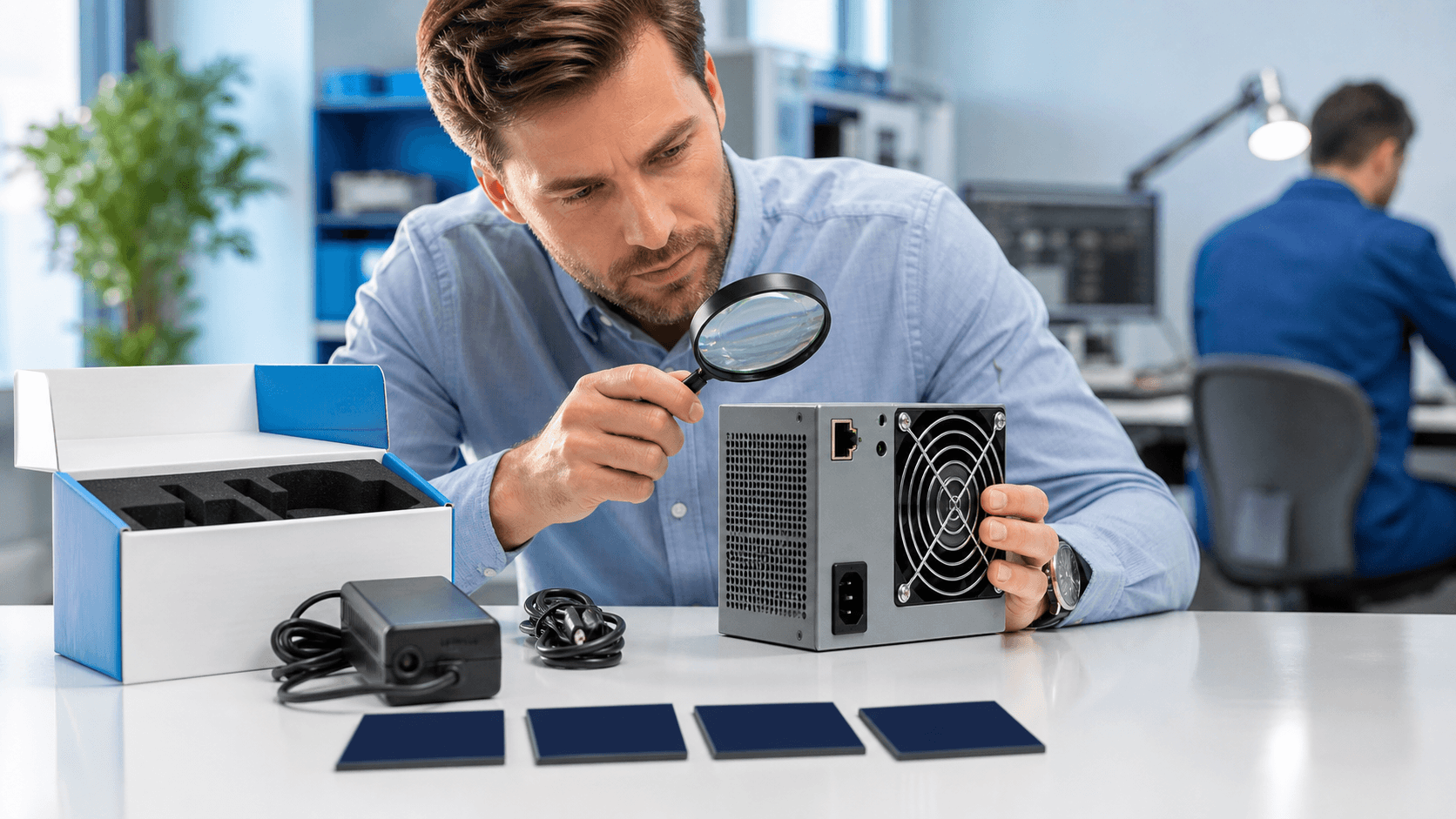
- Use a quality, properly rated power supply, not a random cheap brick.
- Avoid daisy‑chaining old power strips.
- Keep clothes, paper, and curtains clear of the exhaust path.
- In older units, if breakers trip, pause and have an electrician check things.
Best Apartment Spots Usually Include:
- Open shelf in a living room on an inside wall
- Corner of a home office desk with good airflow
Bad ideas: inside a TV cabinet with doors shut, or on top of a pile of books or clothes.
If your building power is limited or your landlord is strict, favor an Ultra‑style board or USB stick with a low‑noise PSU so you stay under the radar while still experimenting with solo mining.
Garage Mining Setup for Extra Cooling and Noise Isolation
Garages are great when you want more separation from living areas and you don't mind a little tinkering.
A garage wall or door already blocks most sound, so family and neighbors are less likely to hear the miner. Good mounting ideas include:
- A sturdy mid‑height shelf
- A wall bracket
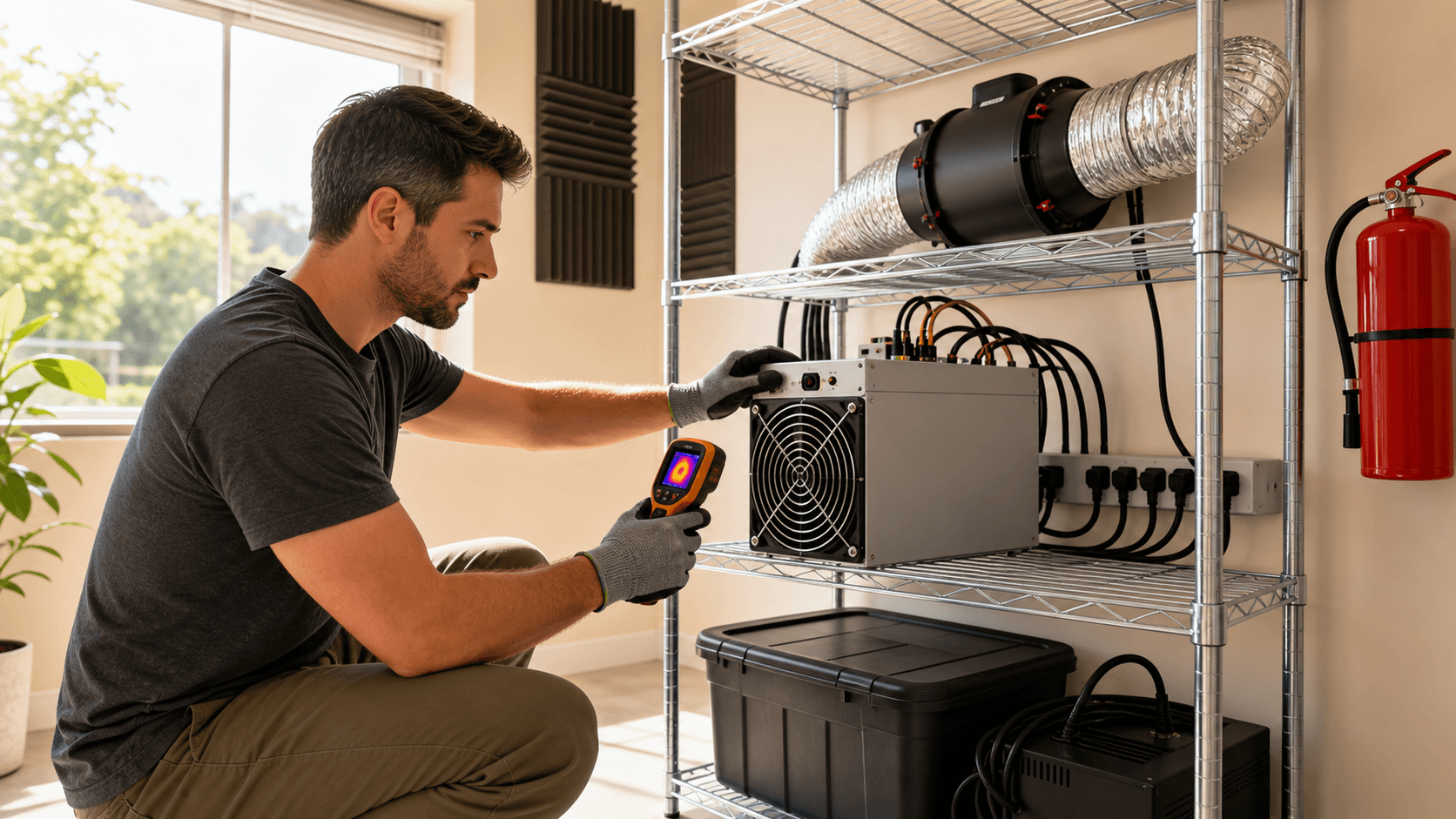
- A small metal wire rack that lets air pass freely
Heat from a compact miner can slightly warm a cool garage in fall and winter. Just avoid extremes. Very low ambient temperatures are not good for electronics, and fast swings can cause condensation. Give the miner fresh air on both intake and exhaust, and never place it in a sealed cabinet or near where car exhaust gathers.
Garages add some new risks:
- Dust from woodworking or yard tools
- Fumes from paint, gasoline, or chemicals
Keep miners away from those areas, and clean fans and heatsinks from time to time if the garage is dusty. Mount away from cardboard boxes, stored fabric, or stacks of paper. Use a quality surge protector, and retire any frayed extension cords.
Wi‑Fi may be weaker in a garage. If the miner drops off the network, it's not submitting shares, so your effective uptime drops. You may want:
- A Wi‑Fi extender near the inside wall
- An Ethernet run if you plan a larger bench setup
Also avoid sharing the same outlet with big power tools or an EV charger during use.
For a garage, many people like a slightly higher power Bitaxe Max or NerdQaxe board with an adjustable fan, dust filters on the rack, and a stable PSU that can sit on a shelf.
Basement Mining for Stable Temps and Long‑Term Runs
Basements are favorites for home mining because they tend to stay cool and quiet.
Cool, stable air lets a Bitcoin lottery miner run comfortably without fans working hard all day. That can help parts last longer and keep noise low. The main tradeoff is humidity. Some basements are damp in certain seasons, so it's smart to keep miners off bare concrete floors and consider a dehumidifier if the space feels sticky.
Place miners where air can circulate, not in deep storage corners with no airflow. Avoid setting them right next to HVAC returns, since noise can travel through ductwork into bedrooms. In finished basements that echo, soft furniture and rugs help keep fan noise from sounding harsh.
On the electrical side, basements often have more outlets or even dedicated circuits, which is handy. Still, do not overload one strip with space heaters, dehumidifiers, and miners all together. Keep cables neat so no one trips, and lift cords away from any damp areas or sump pump pits. Leave clear space around each miner and keep the plug where you can reach it fast. Having a small ABC fire extinguisher nearby is a smart step for any gear room.
Good Basement Setups:
- Ultra‑quiet miner you rarely touch on a back shelf near your router
- Tinker‑friendly board on a workbench next to a monitor for easy firmware and config work
A Bitaxe Max‑class miner on a basement shelf with Ethernet and a low‑noise PSU is a solid long‑term solo lottery setup for many home miners.
Quick Room-by-Room Checklist and FAQ
Quick Checklist by Room Type
Apartment
- Focus on low noise and low power.
- Use an open shelf, never a closed cabinet.
- Use a quality PSU and avoid cheap strips.
- Watch walls shared with neighbors.
Garage
- Keep miners clear of dust, fumes, and chemicals.
- Make sure Wi‑Fi or Ethernet is solid.
- Protect gear from extreme cold and big swings.
- Mount on sturdy racks or brackets.
Basement
- Manage humidity and keep gear off the floor.
- Avoid placing right by ductwork to limit noise travel.
- Use tidy cable management and safe power.
- Keep a clear area around each miner.
FAQ (Based on Common Buyer Questions)
Is It Safe to Run a Bitcoin Lottery Miner 24/7 in an Apartment?
Yes, if you use a properly rated PSU, give it open air, and don't overload outlets. Treat it like any always‑on electronics. Many buyers run an Ultra‑class board 24/7 on a single outlet with no issues once the basics are in place.
Will a Compact Miner Raise My Room Temperature a Lot?
It will add some warmth, especially in small rooms, but good airflow and placing it in a naturally cooler space (hallway, living room, or basement) keeps things comfortable. In apartments, you can also move it seasonally, bedroom in winter, living room in summer.
How Much Extra Power Will It Use?
Compact miners draw far less than full rigs. Expect tens of watts for most Bitaxe‑style boards and single to low double‑digit watts for USB sticks. If power cost is a concern, start with a low‑watt model and compare your power bill over the first month.
Can I Hide the Miner in a Closed Cabinet for Noise?
That's not a good idea. Closed cabinets trap heat and can stress components. If noise is an issue, choose a quieter miner, use soft furnishings for sound control, or move it to a basement/garage instead of sealing it in a cabinet.
What If My Wi‑Fi Drops or I Move to a New Apartment?
If Wi‑Fi is flaky, a small extender near the miner helps keep it online. When you move, you just plug into power and redo the Wi‑Fi setup in the miner's web interface. Compact miners are very easy to relocate.
Do I Need Special Electrical Work or a Fire Extinguisher?
Most homes can support a single compact miner on a normal outlet. If breakers trip or outlets look worn, have an electrician review them. Keeping a small ABC extinguisher near any gear area is a smart safety habit and is recommended by many experienced home miners.
Final Call to Action: Match Your Space to the Right Miner
To place your Bitcoin lottery miner safely and smartly:
- Choose a compact miner that fits your noise and power budget (Ultra, Max, NerdQaxe, or USB stick).
- Pair it with a quality, properly rated PSU and surge protection.
- Place it in the room that gives you cool air, good ventilation, and minimal noise impact, basement first, garage second, or a carefully chosen apartment spot.
Once you've picked your miner type, add the matching power supply, simple rack or shelf, and any cooling accessories you need. That way you can plug in, configure, and start solo mining with confidence that your setup is safe, quiet, and built to run long term.
Unlock Your Chance at Bitcoin Rewards Today
If you are ready to experiment with a new way of mining, our Bitcoin lottery miner is designed to help you participate without overcomplicating your setup. At Saber Shore, we focus on practical tools that make Bitcoin mining more accessible for everyday users. Explore how this compact device can fit into your existing routine and risk tolerance. If you have questions or want guidance before getting started, feel free to contact us.