Solo Bitcoin Mining at Home: Is It Actually for You?
Solo Bitcoin mining at home can be a fun, low-power hobby and learning tool, but it is not a reliable way to earn steady income. For most people, compact solo miners make sense as a technical hobby, a way to support the network, or a heat-and-learn device, not as a serious profit engine. If you want predictable payouts, you are usually better off using a payout pool or a larger ASIC.
This guide is a 10-question checklist to help you decide if solo mining at home fits your goals. We will look at hobby value, learning, heat reuse, tax issues, noise, and your comfort with risk. By the end, you should know if a compact solo miner belongs in your living room, office, garage, or if you should skip solo mining at home and choose a different setup.
If you already know you want to try solo mining, you can:
- Start with an ultra-budget USB or small board for basic experimentation.
- Move up to a Bitaxe-style miner for a better balance of hashrate and power draw.
- Consider a higher-end compact board (NerdQaxe-style) if you want the strongest odds within the "hobby" class.
What Is a Bitcoin Solo Miner and How It Works
A Bitcoin solo miner is a standalone ASIC that points its hashrate straight at your own node or a solo pool. With pool mining, many miners combine hashrate and split rewards into small, steady payouts. With solo mining, you are on your own. The odds are long, but the payout, if you hit, is large.
Key ideas in plain English:
- Hashrate: how many guesses your miner makes per second.
- Network Difficulty: how hard those guesses need to be to find a block.
- Block Reward: the Bitcoin you get if you actually find that block.
- Variance: the random spread; you might hit fast or wait a very long time.
Most home miners pick payout pools because the income is more predictable. Some still choose solo mining for:
- Learning how mining really works.
- Supporting Bitcoin in a more direct way.
- Enjoying the lottery feel with low power draw.
Compact devices that fit this style include Bitaxe variants, NerdQaxe-style boards, and small USB-style units. They focus on low power, small size, and hobby fun, not running a loud full-size machine.
Ten-Question Checklist for Home Solo Mining
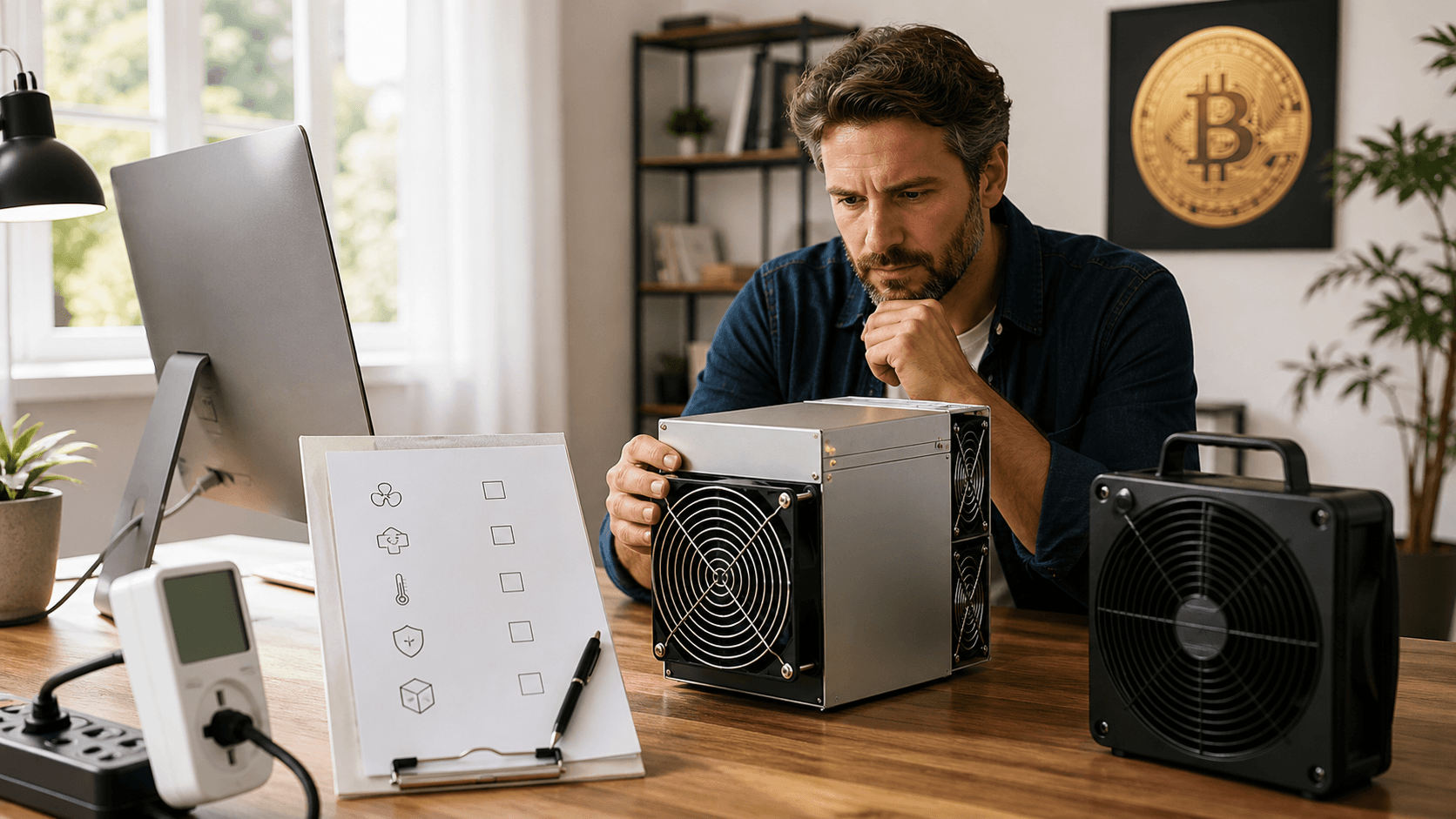
Use this checklist to decide if solo mining is realistically a good fit for you.
- Goal and Mindset
Are you here to learn and tinker, or are you trying to pay bills with mining?
- Learning, tinkering, and supporting Bitcoin fit solo mining well.
- If you care mainly about steady payout, a normal payout pool or a larger ASIC is usually better.
Best for:
Curious users who want to understand mining internals and don't mind random outcomes.
- Budget and Risk Tolerance
Any money put into a solo miner should be money you are fine never getting back. The odds of hitting a block with a small miner are low. Think of it more like buying a long-term lottery ticket that also teaches you something and gives you a bit of heat.
Guideline:
- Under $100: Treat as a pure learning toy.
- $100 to $300: Hobby budget for more serious tinkering.
- $300+ Compact Boards: For committed hobbyists who accept long odds.
- Electricity Cost and Heat Reuse
Look at your power rate and your climate.
- In cold or cool months, you can treat a miner like a tiny space heater. Heat that would come from a heater anyway can partly offset mining power use.
- In warm climates or with high power rates, the math is tougher. You are paying extra just to run the miner, with very uncertain returns.
Rule of Thumb:
If your power is very expensive and you do not want the extra heat, solo mining rarely makes sense beyond hobby value.
- Noise and Space
Compact miners are much quieter than full-size ASICs, but they still have fans.
Ask yourself:
- Can you handle constant fan noise in a home office?
- Do you have a spare shelf in a basement or garage?
- Do you have people or pets that are sensitive to noise?
Most compact solo miners sound like a small PC or desk fan. They are usually fine for a home office, less ideal for a bedroom.
- Technical Comfort and Time
Solo mining is not hard, but it is not a plug-in-and-forget-forever hobby. You may need to change settings, flash firmware, or point to a node or pool.
If basic networking and a bit of tinkering sound fun, you are in the right place. If you hate web interfaces, IP scanners, or occasional firmware updates, you may be happier using a hosted solution or sticking to simpler devices.
- Internet and Power Stability
You want a stable router, decent WiFi or Ethernet, and simple surge protection.
Power drops or router resets during a key moment can, in theory, cost you a possible block. More realistically, they cut into your already long odds.
Tip:
If your power or internet is unreliable, consider a small UPS (uninterruptible power supply) to keep your miner and router up during brief outages.
- Tax, Accounting, and Documentation
If you do hit a block, it is usually treated as income when you receive it. That means:
- You will want clean records of when and how you mined.
- You may need help from a tax professional.
- Tracking electricity and hardware cost from day one is smart.
If you are not prepared to document things properly in the (unlikely but possible) event of finding a block, adjust your expectations now.
- Ideology and Privacy
Some people solo mine because they care about:
- Mining to their own node.
- Avoiding large public pools.
- Supporting network decentralization.
If those ideas matter to you, solo mining can be satisfying even without a block. If you just want the most sats for your power, pool mining is usually more rational.
- Upgrade Path and Future Plans
Ask if this is a one-device experiment or the start of a bigger setup. That will shape what miner, power supply, and accessories make sense.
- One-Off Hobby: An ultra-budget USB or a single Bitaxe-style unit is fine.
- Growing Home Lab: Start with a Bitaxe-style or higher-end compact board and choose a quality power supply you can reuse if you add more devices.
- Satisfaction Without a Block
This is the big one. If you never find a block, will you still feel good about the project?
- If you value the learning, the heat, and supporting Bitcoin, you will likely still be happy.
- If the honest answer is "no," and you would feel burned if you never hit, you may want payout pool mining instead.
Summary: Who Is Solo Mining at Home Actually for?
- Best for: Hobbyists, educators, DIYers, and Bitcoiners who care about nodes, decentralization, and learning.
- Not Ideal for: Anyone expecting steady cash flow, quick ROI, or silent, maintenance-free hardware.
If that sounds like you, a compact solo miner can be a good fit. If not, look into regular pool mining with more efficient hardware instead.
Comparing Compact Solo Miners and Matching Them to Your Home
Most compact solo miners fit into a few buckets. Here is a practical way to think about them.
- Ultra-Budget USB or Very Small Boards
- Mid-Range Bitaxe-Style Devices
- Higher-End Compact Boards (NerdQaxe-Style)
Below is a neutral, category-level comparison to help you match hardware to your budget and use case. Specs are typical ranges, not exact per model. Always check the current product page for up-to-date numbers.
Category
Typical Hashrate
Power Use (Wall)
Noise
Cooling
Connectivity
Setup Difficulty
Ideal User
Best For
Ultra-budget USB / tiny boards
Very low (kH/s to low GH/s range)
5 to 15 W
Very quiet; small fan or passive
Passive or single small fan
USB (often via PC); some have basic network options
Beginner-friendly, but may need a PC or extra software
New miners who want to see mining in action without big spend
Hands-on learning, teaching, basic demos
Mid-range Bitaxe-style devices
Higher solo-hobby range (e.g., tens of GH/s, depending on model)
15 to 60 W typical
Like a small PC fan; noticeable but manageable
Onboard heatsink + fan; benefits from open airflow
WiFi and/or Ethernet; often standalone control page
Moderate; designed for hobbyists comfortable with tinkering
Home miners who want a stronger shot at a block within hobby class
Solo hobby mining, node-connected setups, heat + learn
Higher-end compact boards (NerdQaxe-style)
Upper solo-hobby range (generally higher than typical Bitaxe units)
60 to 150 W or more depending on config
Like a loud gaming PC in a small room
Larger heatsinks, one or more fans; needs clear airflow
Usually Ethernet / WiFi via controller
Higher; aimed at experienced tinkerers
Advanced hobbyists with room, power, and patience for tuning
Maximizing odds within small-form-factor solo mining
How to Choose by Budget and Use Case
- Lowest Budget, Pure Curiosity (Under ~$100):
- Go with an ultra-budget USB or tiny board.
- Best if you simply want to watch shares and learn how mining works.
- Balanced Hobby Plus Odds (Roughly $100 to $300):
- A Bitaxe-style device is usually the sweet spot.
- Enough hashrate to make solo mining feel meaningful while staying efficient and relatively quiet.
- Committed Solo-Hobbyist (Roughly $300+):
- A higher-end compact NerdQaxe-style board makes sense.
- You accept more power draw, more noise, and more tinkering to slightly improve your long-shot odds.
If a particular model you want is sold out, look for a comparable in-stock unit with similar hashrate and power draw. Some shops also offer restock email alerts; sign up if you are set on a specific design.
Key Traits: Hashrate, Power, Noise, Cooling, Setup, Ideal User
- Hashrate: Higher hashrate improves your odds of finding a block, but solo odds are still long at hobby-level speeds. For home solo miners, think of hashrate as "how many lottery tickets you buy per second," not a guarantee.
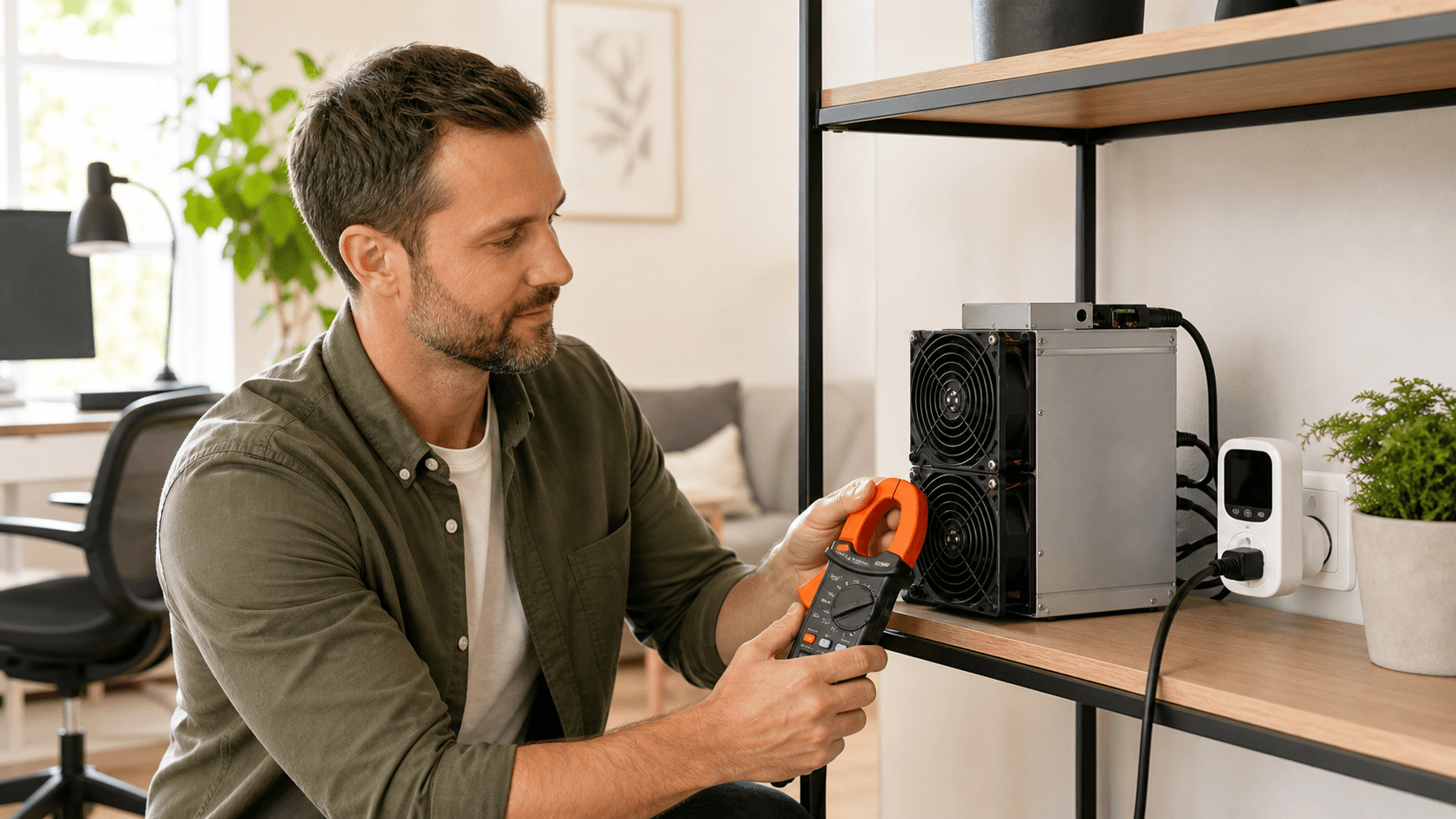
- Electricity Use: Measured in watts at the wall. A 50 W miner running 24/7 uses about 1.2 kWh per day. Multiply by your local kWh price to estimate cost. In cold climates, some or all of that can replace normal heating.
- Noise: Small fans can have a higher-pitched sound. Most compact miners fall between a quiet PC and a gaming PC. For shared or sleeping spaces, pay extra attention to decibel ratings and fan size.
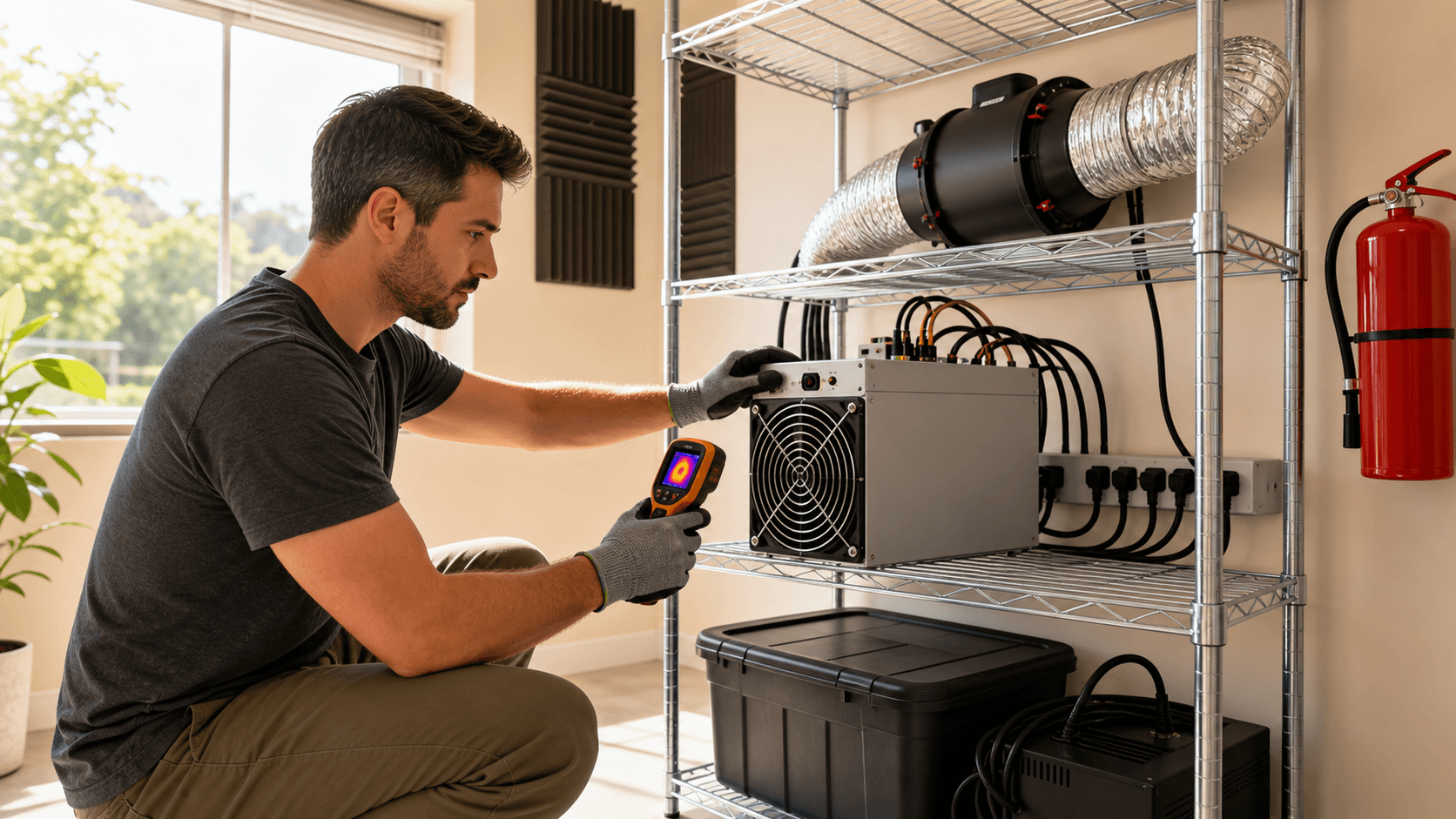
- Cooling: Good airflow is more important than fancy gear. Keep the miner on an open shelf, not in a closed cabinet. For higher-end compact boards, a better fan or a small duct/shroud can noticeably improve temps and noise.
- Connectivity: USB units may rely on a PC or Raspberry Pi. Bitaxe and NerdQaxe-style devices often have built-in control pages accessible via WiFi or Ethernet. Pick based on how comfortable you are managing extra devices on your network.
- Setup Difficulty: USB miners are simple but usually require mining software on a host machine. Bitaxe and NerdQaxe-style boards can be very user-friendly once powered and connected, but assume some comfort with web interfaces and firmware.
- Ideal User: Compact solo miners are for people who enjoy building, tuning, and monitoring small systems, more like a home lab enthusiast than a passive investor.
Recommended Accessories and Upgrades
To get a smoother solo-mining experience, consider:
- Quality Power Supply: Use a reliable PSU or adapter rated comfortably above your miner's wattage. Avoid no-name, undersized units.
- Cooling Tweaks: Quieter aftermarket fans, simple fan shrouds, or 3D-printed brackets can direct airflow and reduce noise.
- Basic UPS: Keeps your miner and router online through brief power blips and protects against surges.
- Monitoring Tools: A simple network monitor or uptime checker helps you spot issues early.
If a dedicated power supply for your miner is out of stock, a comparable unit from a reputable brand with the same voltage and sufficient current rating is usually a safe alternative.
Getting Set up
Most compact solo miners follow a similar setup path:
- Plug in the power supply.
- Connect with WiFi or Ethernet to your router (USB units may plug into a PC or Raspberry Pi instead).
- Open the control page in your browser (usually via the miner's IP address).
- Point it at your own node or a solo pool address.
If you already run a Bitcoin node, solo mining to it is a natural next step. If you do not, using a well-known solo pool is a fine way to start while you learn.
Basic monitoring means watching:
- Hashrate.
- Temperature.
- Fan speed.
- Uptime.
If something looks off, a restart, cable check, or configuration review often fixes it. When in doubt, lean on vendor support and clear setup guides; they save a lot of time.
Short FAQ
Q: Is Solo Mining with a Small Miner Ever Profitable?
A: It can be, but only if you get lucky and hit a block. Day to day, treat it as a hobby that teaches you how mining works and provides a bit of heat. If you need reliable returns, focus on payout pools and more efficient hardware.
Q: How Loud Are Compact Solo Miners?
A: Many sound like a small PC or office fan. In a quiet bedroom, they may be too noticeable; in a home office, garage, or basement, they are usually fine, especially if you upgrade to a quieter fan or improve airflow.
Q: Do I Need My Own Bitcoin Node?
A: It is the ideal long-term setup for privacy and control, but not required to start. A reputable solo pool can work while you build skills and later move to node-connected solo mining.
Q: How Much Electricity Do Compact Solo Miners Use?
A: Ultra-budget USB units can use under 15 W; Bitaxe-style devices often fall in the 15 to 60 W range; higher-end compact boards can reach 60 to 150 W or more. Check your power rate and multiply watts × hours / 1000 to estimate daily cost.
Q: Who Should Actually Buy a Compact Solo Miner?
A: Buy one if you want a hands-on way to learn Bitcoin mining, don't mind long odds, and are comfortable with the power cost. If your main focus is income, you are usually better off with payout pool mining.
Q: Can I Start Small and Expand Later?
A: Yes. Many home miners start with one compact device, then add another unit, better cooling, or a different class of hardware once they are comfortable. Just plan your power and space so upgrades are simple.
Final Decision and Call to Action
If you:
- Enjoy tinkering and learning.
- Are comfortable treating your miner budget like a long-shot lottery ticket.
- Have space for a small, always-on device with modest noise and heat.
...then solo Bitcoin mining at home can absolutely be for you.
Start by choosing the category that matches your budget and goals: USB for pure learning, Bitaxe-style for a balanced hobby build, or a higher-end compact board if you are fully committed. Pair it with a solid power supply and basic cooling tweaks, set it up with your node or a reputable solo pool, and let it run.
If you are ready to try solo mining, pick a compact miner category above that fits your budget, add the recommended power supply and cooling accessories to your cart, and place your order so you can start mining and learning at home.
Start Your Solo Mining Journey With Confidence
If you are still asking yourself What is a Bitcoin solo miner?, we provide the tools and guidance to help you move from curiosity to action. At Saber Shore, we focus on practical, efficient hardware that makes solo mining accessible without the guesswork. Explore your options today, and if you have questions about setup, performance, or next steps, feel free to contact us for straightforward support.