Stop Sabotaging Your Solo Mining Odds at Home
Solo mining at home is about giving your hashrate the best possible chance to find a block, even though the odds are always a long shot. You improve those odds by picking the right hardware for your space and budget, running it efficiently, and keeping it online with a clean solo setup. In this guide, we'll walk through common mistakes that quietly cut your odds and how to fix them, so you can choose the right solo rig and run it correctly at home.
If you're ready to start or upgrade a solo setup, SaberShore can help you pick a miner, power supply, and cooling that match your home and budget, and provide tested hardware shipped quickly from Texas with setup assistance.
Why Home Solo Mining Odds Get Sabotaged
A solo mining rig is a Bitcoin miner that points straight at your own node or a solo pool, not a shared payout pool. You're basically buying your own long-shot lottery ticket with hash power. When people at home never hit a block, they often blame bad luck. In reality, quiet setup mistakes are cutting their odds before the rig even starts hashing.
The biggest silent killers are simple things: the wrong hardware for your goals, mixed-up difficulty expectations, bad power planning, flaky networking, and heat or noise problems that keep rigs offline. Solo mining will always be a long shot, but if you tighten your build and your environment, you keep your rig online longer, spend less on wasted power, and give yourself the best chance your hashrate can offer.
SaberShore focuses on tested miners and power solutions, shipped from the United States in reliable packaging, to help home miners avoid these pitfalls from day one.
Picking the Right Solo Mining Rig for Your Goals
Solo mining odds are all about hashrate. The network has a huge amount of hash. Your rig is a tiny slice of that. A compact 300 GH/s solo mining rig is not "bad," it is just a very small slice of the pie, so it is more like a scratch-off ticket than a full-time job. Bigger rigs with multi TH/s push your odds up, but they also bring power, noise, and heat that many homes cannot handle.
Common mismatch mistakes we see:
- Buying a large industrial ASIC for an apartment, then realizing it pulls several thousand watts and sounds like a shop vac on full blast
- Expecting a tiny USB or micro solo miner to pay for rent instead of treating it as a fun hobby with a long-shot upside
- Ignoring firmware support, solo mode options, and how the miner talks to your node or pool
Your budget, noise tolerance, power rate, and tech comfort should shape your rig. For a lot of home offices or small Texas houses, compact solo miners make more sense than a full-size data center unit.
Below is a practical comparison of common compact miner styles you'll see on the market. Use this to narrow your tier before choosing a specific model from a trusted seller like SaberShore.
| Miner Type | Hashrate Range | Power Draw | Noise Level | Cooling Type | Connectivity | Setup Difficulty | Ideal User | Best For |
|-------------------------|-----------------------|------------------|------------------------|--------------------|---------------------|-----------------|------------------------------------------|---------------------------------------------|
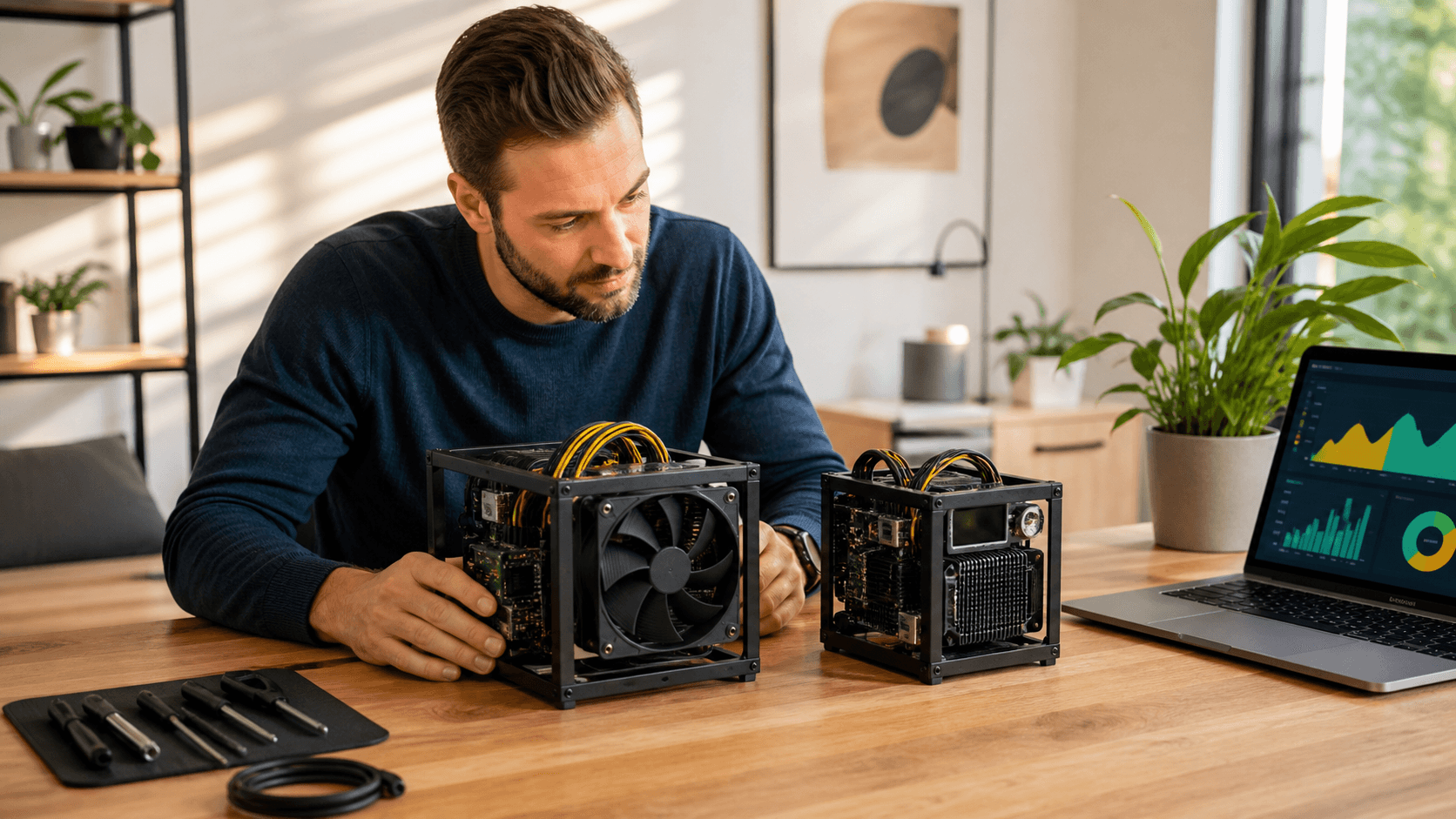
| Bitaxe-style Compact | Hundreds of GH/s | Low hundreds W | Like a loud PC fan | Air-cooled fan | Ethernet, some WiFi | Low to medium | First-time solo miner, home office | First solo rig, learning solo setup basics |
| NerdQaxe-style Compact | Similar GH/s class | Low hundreds W | Quiet room noise | Air-cooled fan | Ethernet focused | Medium | Tinkerers who like firmware tweaks | Tweaking, firmware/DIY experiments |
| Micro USB-class Miner | Tens of GH/s | Under 50 W | Almost silent | Passive / tiny fan | USB plus host PC | Medium | People with home labs and spare PCs | Ultra low power, pure hobby use |
| Small Desktop ASIC | 1 to low TH/s | High hundreds W | Noticeable hum | Strong air fan | Ethernet | Medium | Users with a spare room or garage | More hash while staying relatively compact |
Best-for Recommendations by Budget & Use Case
Use this as a direct guide to pick a lane before you shop specific models:
- Lowest Budget / Pure Learning: Micro USB-class miner (tens of GH/s). Best if you mainly want to learn and experiment with very little power draw.
- Entry-Level Solo Miner, Normal Home or Apartment: Bitaxe- or NerdQaxe-style compact in the hundreds of GH/s with low-hundreds-of-watts draw. Good balance of noise and odds for a first "real" solo rig.
- Serious Hobbyist Who Wants More Odds Without Going Full Industrial: Small desktop ASIC in the 1 TH/s to low TH/s range, placed in a spare room, office, or garage.
When you're comparing exact models, look at:
- Hashrate: Higher hashrate improves odds but raises power and heat.
- Electricity Use: Check watts at the wall and your local $/kWh.
- Noise: Fan RPM and form factor; ask for measured dB where possible.
- Cooling: Built-in fans vs. passive designs that need extra airflow.
- Connectivity: Ethernet vs WiFi vs USB host requirement.
- Setup Difficulty: Web interface, flashing firmware, and node/pool config.
- Ideal User: New hobbyist vs tinkerer vs experienced miner.
SaberShore can walk you through these tradeoffs and match you with an in-stock unit that fits your power and noise limits, plus a tested PSU and basic cooling accessories.
Power, Heat, and Noise Mistakes That Drain Your Wallet
Power math is where many solo rigs quietly bleed money. To estimate daily use, take miner wattage, turn it into kilowatts, then multiply by 24 hours. A 300 W miner is 0.3 kW. Run all day, that is 0.3 x 24, so 7.2 kWh per day. Multiply that by your local electricity rate to see daily and monthly cost.
Common oversights:
- Forgetting miners run 24/7, not a few hours like a TV
- Ignoring extra power from routers, cooling fans, and power supplies left on
- Not checking if their circuit is already close to its safe load
Heat is the other side of that same power. Even a 150 to 300 W compact solo mining rig can get toasty in a Texas garage in late summer. If the air around it is already hot and still, the miner may throttle or shut down to protect itself. Every time it does that, your real hashrate drops and your effective odds get worse.
Practical Cooling & Power Accessories
Simple upgrades help a lot:
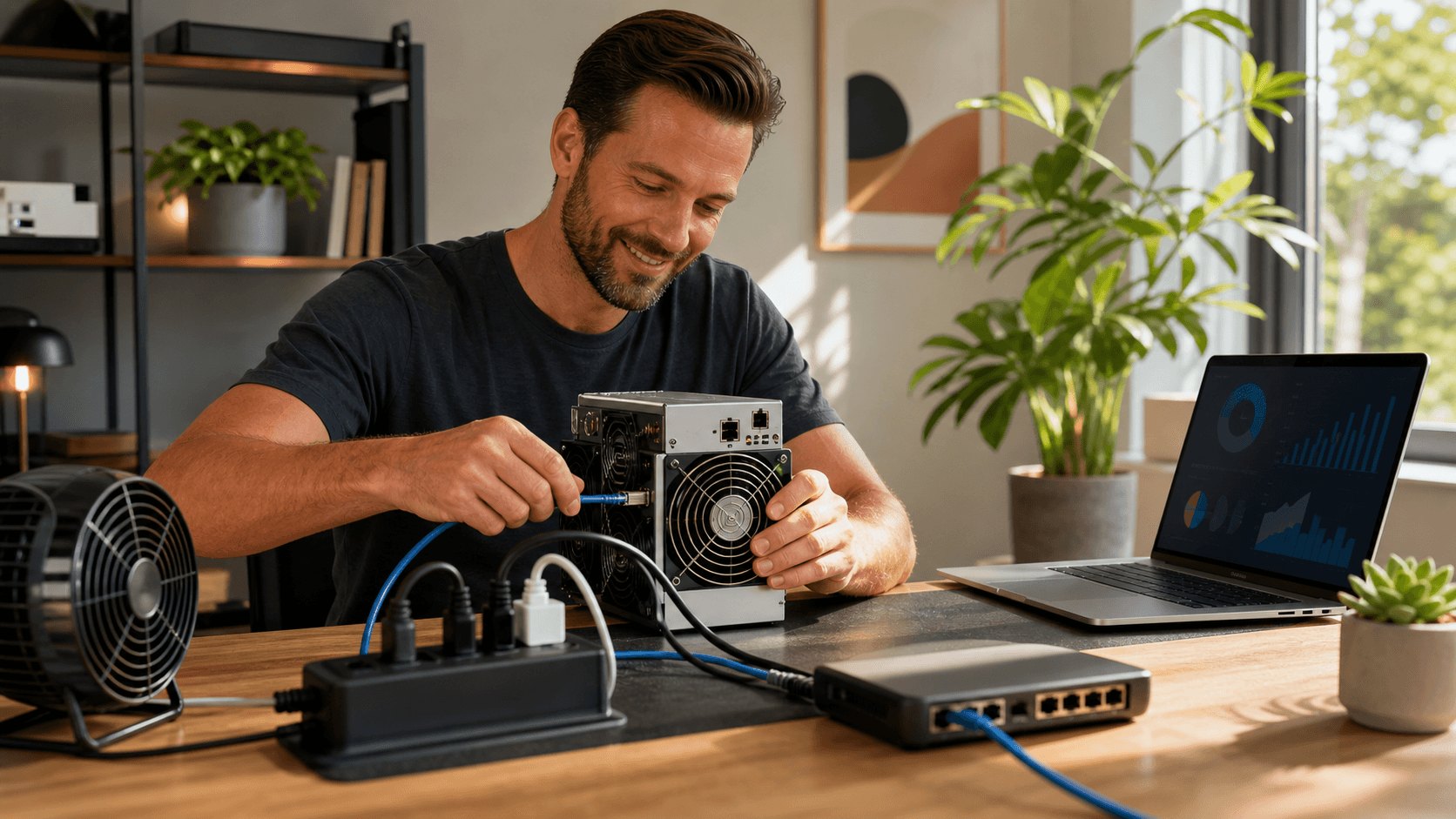
- Aim a quiet 120 mm PC fan or small desk fan across the miner.
- Keep the rig away from insulation, piles of boxes, and closed cabinets.
- Watch temperature with a cheap sensor or built-in web panel.
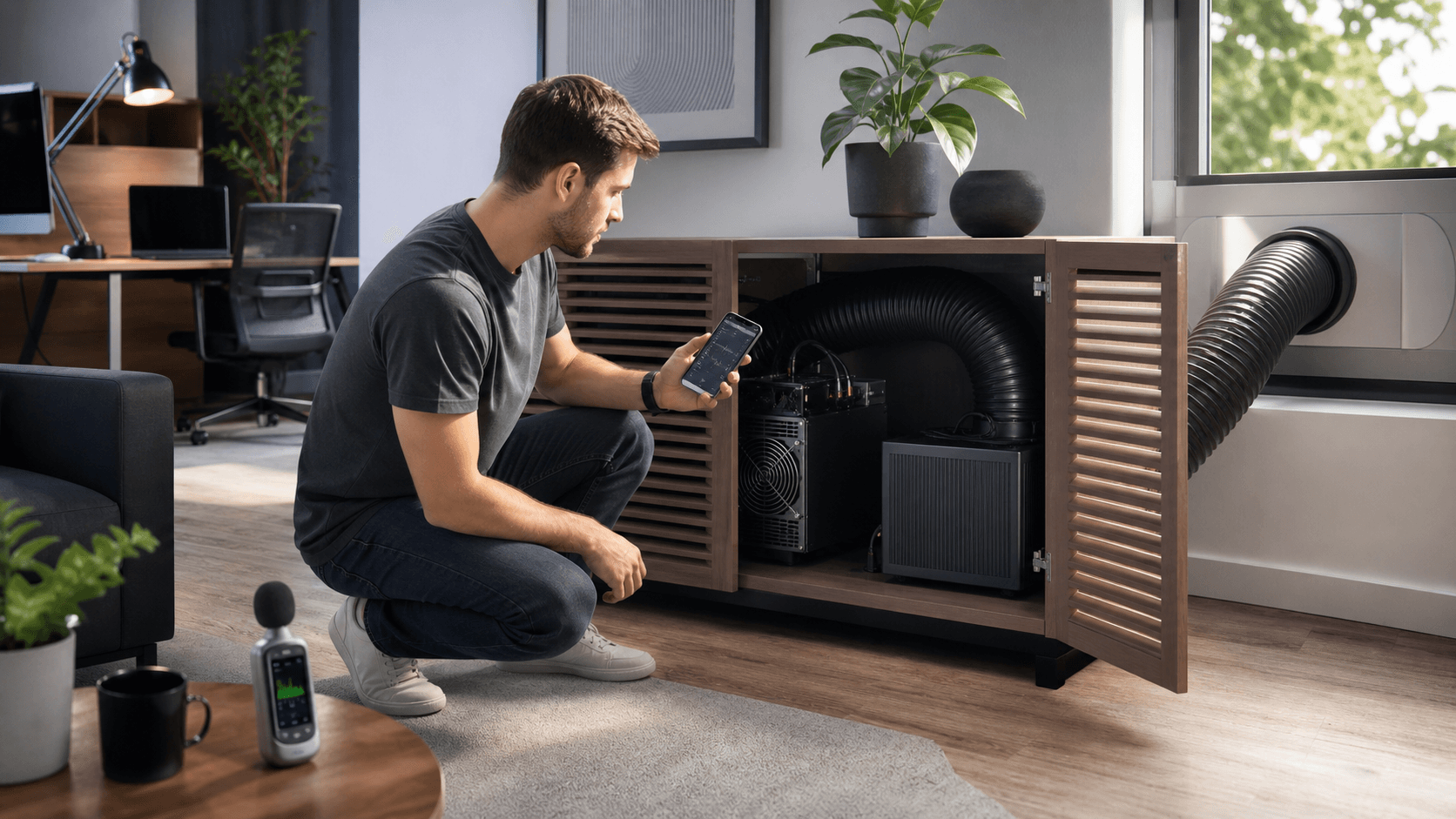
Stuffing the miner in a closet to hide the sound is a fast way to cook it. Better to keep it in a hallway, office, or shelf with good airflow, then deal with noise the right way.
On noise, there is a huge gap between compact solo rigs and big data center ASICs. A compact rig is closer to a strong desktop PC fan. A full-size ASIC can sound like a small leaf blower.
Accessories that are worth adding to your cart:
- Inline Power Meter to see real watts at the wall and track cost.
- Surge-Protected Power Strip rated for continuous load.
- Quality Replacement Fans tuned for quiet airflow, plus rubber mounts to cut vibration.
- Short Ducts or Vent Kits if you need to move hot air out of your main room.
SaberShore tests miners and PSUs together to verify power draw and stability before shipping, helping you avoid undersized or unreliable power supplies.
Network, Firmware, Wallet, and Strategy Mistakes
A solo mining rig that drops off the network a few times a day is throwing away hash time. Every offline minute is a minute with zero chance to find a block.
Connectivity
- Wired Ethernet is usually the best choice.
- WiFi can work, but crowded 2.4 GHz bands and weak routers cause random disconnects. If you must use WiFi, keep the router close and stable.
Firmware and Configuration
Common issues:
- Running old firmware that has bugs or lower efficiency.
- Typing a node or pool address wrong, so the miner fails over or stops hashing correctly.
- Leaving default login credentials on the web dashboard.
If you run your own Bitcoin node, many compact solo miners can point straight to it for full control. If you do not, a reputable solo pool is fine. In both cases, low latency and stable uptime are your friends.
Wallet & Payout Handling
Wallet mistakes can hurt too. Pointing payouts straight to an exchange account might be tempting, but self-custody often makes more sense for long-term holds. At minimum:
- Double-check every address carefully.
- When you change setups, test with small pool payouts before you push serious hash.
Strategy & Expectations
Solo mining should be treated like:
- A hobby where you learn how Bitcoin works on a deeper level.
- A way to support the network with your own hardware.
- A small chance at a big hit, not a quick ROI plan.
Strategy mistakes that cut odds include:
- Turning rigs on and off with every small Bitcoin price move.
- Forgetting that difficulty can go up, stretching odds out over time.
- Ignoring noise and heat until people at home demand you unplug it.
Better plans start with clear goals: learning, privacy, or long-shot gain. Many folks do well starting with a quiet, low-watt solo mining rig. If they enjoy it, they can add a second unit, or later think about a bigger ASIC in a well-cooled, well-powered space.
If you're unsure how much you should realistically spend for your goals, SaberShore can review your power rate, space, and budget and recommend a rig that fits, without overselling you on hardware your home can't handle.
Recommended Build Tiers and What They're Best For
You can think of solo mining builds in three broad tiers. Use this table to pick the tier that fits your budget and environment.
| Build Tier | Total Hashrate Range | Approx Power Draw | Noise Expectation | Setup Difficulty | Best For |
|-----------------------|-------------------------|------------------|-----------------------|-----------------|-----------------------------------------------|
| Low Budget Tinker | Low hundreds GH/s | Under 300 W | Like a desktop PC | Easy | First solo rig, apartments, curious beginners |
| Mid-Range Hobbyist | Higher GH/s to low TH/s | 300 to 800 W | Noticeable room hum | Medium | Home labs, dedicated office or garage setups |
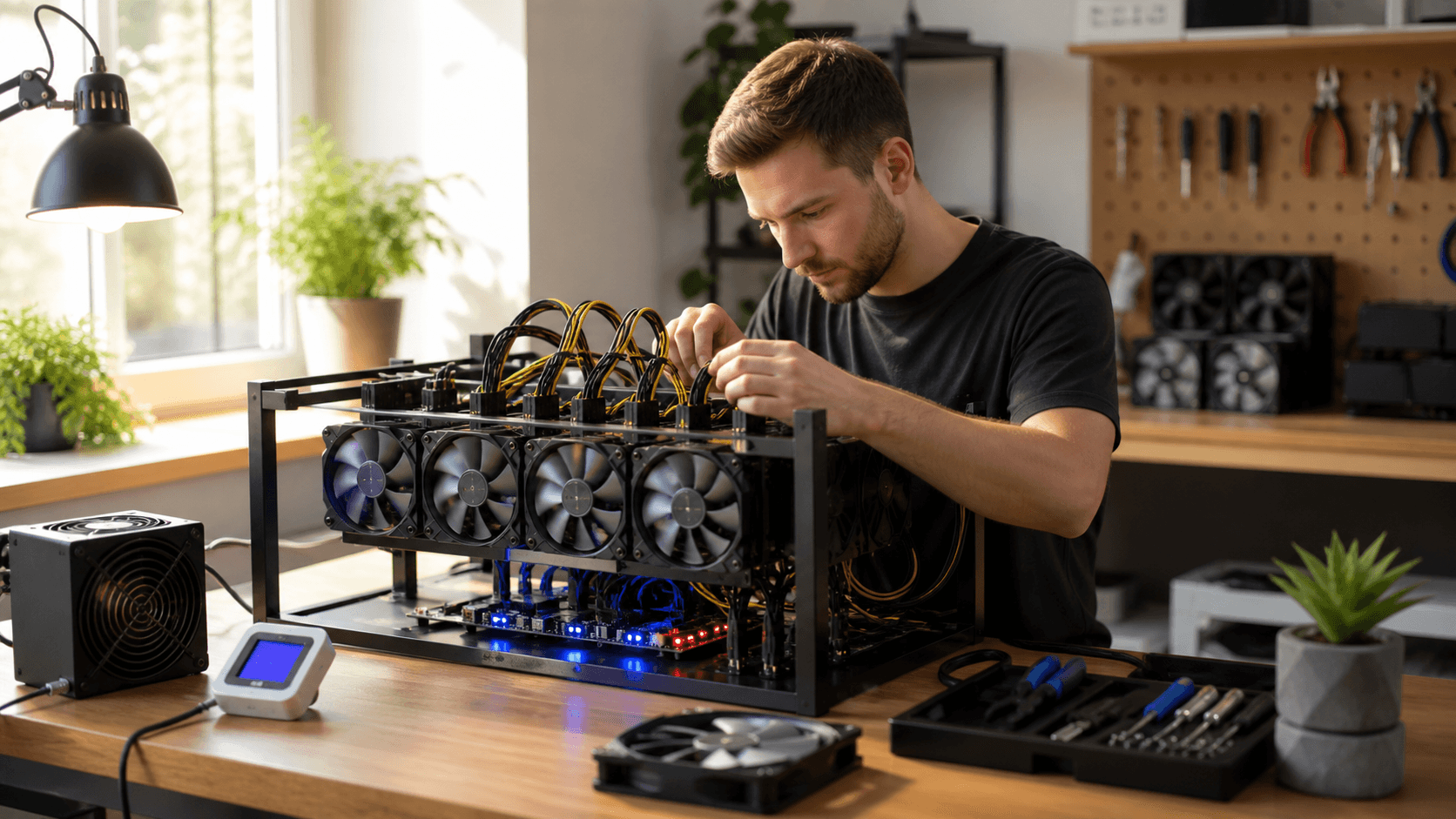
| Small Home Hash Farm | Multi TH/s | 800 W and up | Loud, needs isolation | Higher | Homeowners with power, cooling, and experience|
Direct "Best for" Guidance
- Best for Tight Budgets and Learning the Ropes: Low Budget Tinker build, a single compact solo miner plus basic accessories (tested PSU, Ethernet cable, small fan, power meter).
- Best for Serious Hobbyists Who Want Meaningful Odds Increase: Mid-Range Hobbyist build, one or more compact rigs totaling near 1 TH/s while staying below ~1 kW, with better shelving, surge protection, and simple monitoring.
- Best for Experienced Miners with a Suitable Home Space: Small Home Hash Farm, a mix of compact solo miners and possibly one larger ASIC, using dedicated circuits from a licensed electrician, strong ventilation, and wired networking.
When you browse hardware, prioritize miners that are actually in stock. SaberShore keeps a competitive selection of common compact miners and power supplies on hand in the U.S., and can offer restock-email signups when a specific model is temporarily unavailable.
Quick Solo Mining FAQ (Based on Real Buyer Questions)
How Loud Is a Typical Solo Mining Rig at Home?
Most compact solo rigs sound like a strong PC or box fan. They are very different from full industrial ASICs, which can be far louder and usually live in a garage or outside shed. If you have family or roommates, plan to place the rig in a room where that constant fan sound won't be an issue.
Can a Solo Mining Rig Realistically Ever Hit a Block?
Yes, it can, but the odds are low for small rigs, and you might hash for a long time without a win. Your goal is steady uptime and a clean configuration so you're not wasting power when your rig is offline or misconfigured.
Do I Need My Own Bitcoin Node to Solo Mine?
You do not have to run your own node. You can solo mine against your own node for maximum control and privacy, or use a reputable solo pool if you want something simpler. Many home miners start with a solo pool and add their own node later.
How Much Power Do I Need for a Compact Solo Miner?
Most compact rigs run fine on a standard US outlet, often in the low hundreds of watts. Just make sure the total on that circuit, including other devices, stays within safe limits, aim for no more than ~80% of the circuit's rated capacity under continuous load.
What Kind of Support Is Helpful for Solo Mining?
Good support means hardware tested before shipping, clear setup help, and simple troubleshooting so your miner can stay online with minimal downtime. SaberShore offers hardware testing and verification, secure purchasing, careful packaging and shipping from Texas, plus setup assistance after the sale.
Do I Need Any Special Accessories to Start?
At minimum you'll want an appropriate PSU, an Ethernet cable or reliable WiFi option, and a basic fan if your room runs warm. A power meter and surge-protected strip are inexpensive upgrades that improve safety and let you track operating cost.
Ready to Tighten up Your Solo Mining Odds?
If you're planning a home solo rig, the most important choices happen before you plug in the miner: picking realistic hardware for your space, sizing power and cooling correctly, and setting up a stable solo connection.
SaberShore is a veteran-owned Texas business focused on helping home miners do this right the first time, with tested hardware, secure U.S.-based shipping, and after-sale setup support. Review your budget and power situation, then choose your tier, and let SaberShore help you pick the solo miner, PSU, and accessories that give your hashrate the best chance it can have. Now is a good time to select your build tier and place your solo mining order.
Take Control Of Your Bitcoin Mining Journey Today
If you are ready to move from theory to action, our solo mining rig is built to help you experiment, learn, and potentially earn on your own terms. At Saber Shore, we focus on practical, reliable hardware that fits real-world home and small-scale setups. If you have questions about sizing, power, or performance, just contact us and we will help you decide if this setup is right for your goals.