Why CKPool Appeals to Lottery Solo Miners
CKPool appeals to lottery solo miners because it lets your home miner chase full Bitcoin block rewards directly to your own wallet, with very high variance and no pooled balance to manage. If your miner finds a block through CKPool, you receive the entire block reward (minus a small fee), which makes it a good fit for miners who prefer a "big jackpot" style experience over small, frequent payouts from a public pool.
If you want predictable, steady payouts from your home miner, a public shared pool usually makes more sense. CKPool is a solo mining proxy pool: it feeds work to your miner like any other pool, but if you hit a block, the full reward is paid on-chain to the Bitcoin address you configure as your "username."
If you already have or plan to buy a compact ASIC like a Bitaxe or NerdQaxe, and your goal is enjoying the mining process, supporting the network, and aiming for a rare big win instead of smoothing out income, CKPool-style solo mining is likely a better match. For miners who want steadier ROI, a public pool remains the more practical option.
Quick Recommendation & Next Step
If you:
- Run a very small miner (Bitaxe / NerdQaxe / USB-style) mainly for fun and learning → Point it at CKPool for a lottery-style experience.
- Run a mid-range or larger ASIC (e.g., S9/S19 class) and care about monthly payouts → Start on a public pool, and optionally dedicate a smaller device to CKPool.
Before you start, make sure you have:
- A reliable, non-custodial Bitcoin wallet for payouts
- A suitable power supply (PSU) with headroom above your miner's wattage
- Basic cooling and noise control so the miner is comfortable in your home
CKPool vs. Public Pools: Key Differences for Home Miners
Choosing between CKPool and a public pool is about your goals, not right vs. wrong. CKPool is for lottery-style solo mining. Public pools are for lower variance, frequent smaller payouts.
Below is a comparison focused on what home miners actually care about.
Feature
CKPool Solo
Public Shared Pool
Payout Style
Full block reward to your address if you find a block; no partial payouts
Frequent smaller payouts based on your share of pool hashrate
Variance
Extremely high, long periods with no reward, rare large payout
Low to medium, relatively predictable daily or weekly income
Fees
Small fee taken only if/when you hit a block
Fee applied to every reward or payout (varies by pool and payout model)
Hashrate Impact
More hashrate only improves odds; you still either hit a block or you don't
More hashrate increases your share of the pool's frequent rewards
Electricity Use
Same power draw as any other pool; key decision is whether long odds justify your power bill
Same power draw; easier to justify since rewards are more regular
Noise & Cooling
Identical hardware requirements; compact miners are easy to cool and keep relatively quiet
Identical hardware requirements; larger rigs may need ducting and dedicated cooling
Connectivity
Standard Stratum-style connection; stable wired Ethernet strongly recommended
Same as CKPool; also benefits from stable wired Ethernet
Setup Difficulty
Low, no account; configure pool URL and your payout address as username
Low to medium, account creation, dashboards, payout thresholds, and sometimes KYC
Privacy Model
Address-based; no login account. The pool sees your payout address and worker stats.
Account-based; the pool sees your login, payout address, and broader activity.
Ideal Hashrate Range
Works from sub-1 TH/s up to 100+ TH/s; odds at home hashrates remain long
Suitable for any hashrate; most practical for 10+ TH/s if you care about income
Ideal User
Hobbyist, technically curious, or security-focused miner who prefers a lottery-style experience
ROI-focused miner who wants steadier, predictable returns
Best-For Recommendations by Budget & Use Case
- Under ~1 TH/s (Bitaxe / NerdQaxe / Tiny USB Rigs)
- Best for: Learning, network support, and a genuine lottery experience.
- Recommendation: Point these at CKPool. Public-pool payouts at this scale are usually tiny and slow to reach payout thresholds.
- Suggested Gear: A quality USB or small DC power supply, a quiet 120mm fan or small fan shroud, and a stable Ethernet connection.
- 1, 10 TH/s (Older S9, Modest Home Setups)
- Best for: Hobby miners who want some chance at a big payout but can accept likely zero rewards over long periods.
- Recommendation: Consider splitting: run one device on CKPool for the lottery aspect, and another on a public pool for some steady payouts.
- Suggested Upgrades: Reliable ATX or server PSU with at least 20, 30% headroom above actual draw, simple ducting or fan silencers to keep noise manageable indoors.
- 10+ TH/s up to Small Home Racks
- Best for: Home or garage miners with a clear ROI target and electricity budget.
- Recommendation: Use a public pool as your primary choice. If you enjoy the lottery idea, dedicate one smaller unit or a small portion of your hashrate to CKPool.
- Suggested Gear: 240V circuits where possible, rack-mount PSUs, basic monitoring (smart plugs or hashrate/pool dashboards), and improved ventilation or exhaust ducting.
If you're putting together or upgrading a home setup, start by choosing a miner in your power and noise budget, pair it with a reputable PSU, and then decide how much hashrate you are comfortable pointing at CKPool for the long shot.
Call to Action: Get Your Miner and Power Setup Ready
- Choose your miner class (Bitaxe/NerdQaxe for quiet hobby use, or an S9/S19-style unit for higher hashrate).
- Match it with a quality PSU rated above the miner's maximum wattage.
- Add basic cooling (fan, shroud, ducting) so the device can run 24/7.
- Then configure CKPool or a public pool based on the guidance below.
How CKPool Solo Mining Actually Works
Solo lottery mining with CKPool is straightforward: most of the time you receive no payout, and if your miner finds a valid block, you receive a large on-chain reward. You trade reliable, smaller earnings for a small chance at a full block reward. At realistic home hashrates, this is best approached as a fun, educational project and a way to contribute hashpower to the network, not as a primary income stream.
CKPool sits between your miner and the Bitcoin network. In practice:
- Your miner connects to CKPool using its URL and port, plus your Bitcoin address as the username.
- CKPool sends work templates derived from current block headers.
- Your miner calculates hashes and sends shares back to CKPool.
- If one of those shares meets the full network difficulty, CKPool broadcasts the block and sends the block reward directly to your address, minus its fee.
You do not create a typical user account on CKPool. Your Bitcoin address is your identifier. Payments are made directly on-chain to that address; CKPool does not hold a user balance.
CKPool needs to see:
- Your payout address
- Worker connection details
- Basic mining stats like hashrate and share count
You keep full control of:
- Your private keys and wallet backup
- How and when you spend your coins
Hashrate and Odds at Home Scale
As a solo miner, hashrate only changes your odds and expected time to find a block, not the payout size. Roughly:
- Sub 1 TH/s (Bitaxe, NerdQaxe, tiny USB rigs): odds of finding a block are extremely low, but power draw and noise are minimal.
- 1, 10 TH/s: odds improve, but it is still strongly lottery-like; suitable if you are comfortable with likely zero rewards.
- 100 TH/s and Above: solo becomes a very long-shot bet with numbers you can at least calculate, but still high risk.
Network difficulty changes and fee conditions can affect how attractive a full block reward looks in fiat terms, but they do not change CKPool's basic structure: you either find a block or you do not, and fees are only taken when that happens.
CKPool vs. Public Pool: How It Fits Different Home Setups
- Tiny Bitaxe or NerdQaxe Class Miners
CKPool is often more engaging than a public pool because public-pool payouts may be extremely small and infrequent at this scale. CKPool turns that hashrate into a long-odds lottery with simple configuration.
- Mid-Range S9 or S19 at Home
Both CKPool and public pools can work. A common pattern is:
- One device pointed at CKPool purely for the lottery experience
- Remaining devices pointed at a public pool for more predictable income
- Larger Garage Racks
Public pools are typically the main choice due to power costs and ROI tracking. Some miners still point a small fraction of hashrate to CKPool to keep a lottery element in their setup.
When someone leans toward CKPool, the supporting hardware and environment really matter:
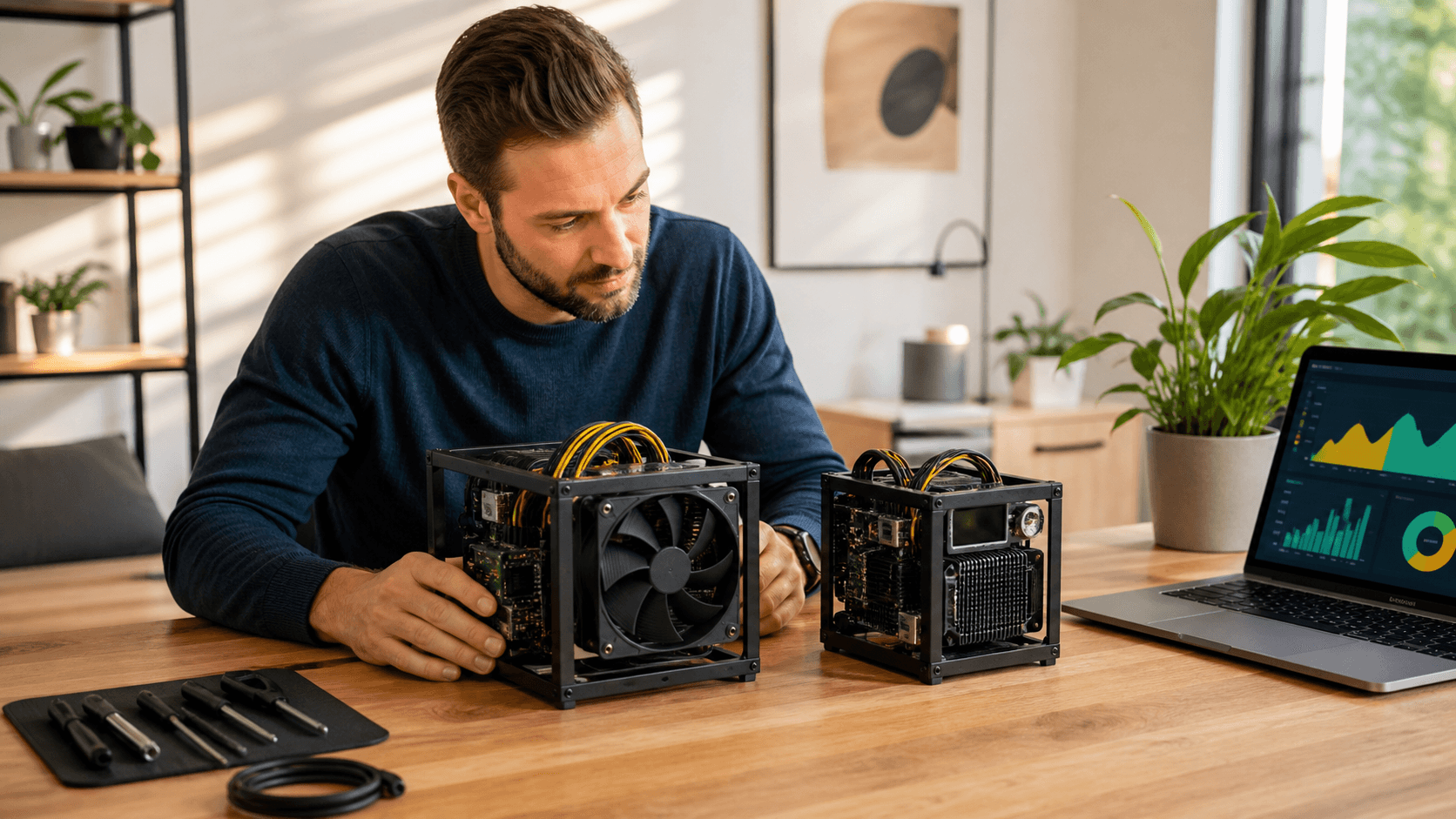
- Compact miners (Bitaxe / NerdQaxe) for low noise and low power
- A stable PSU sized above the miner's wattage
- Basic ducting or quiet fans so the miner can run without disrupting home life
If you're assembling or upgrading hardware, consider adding:
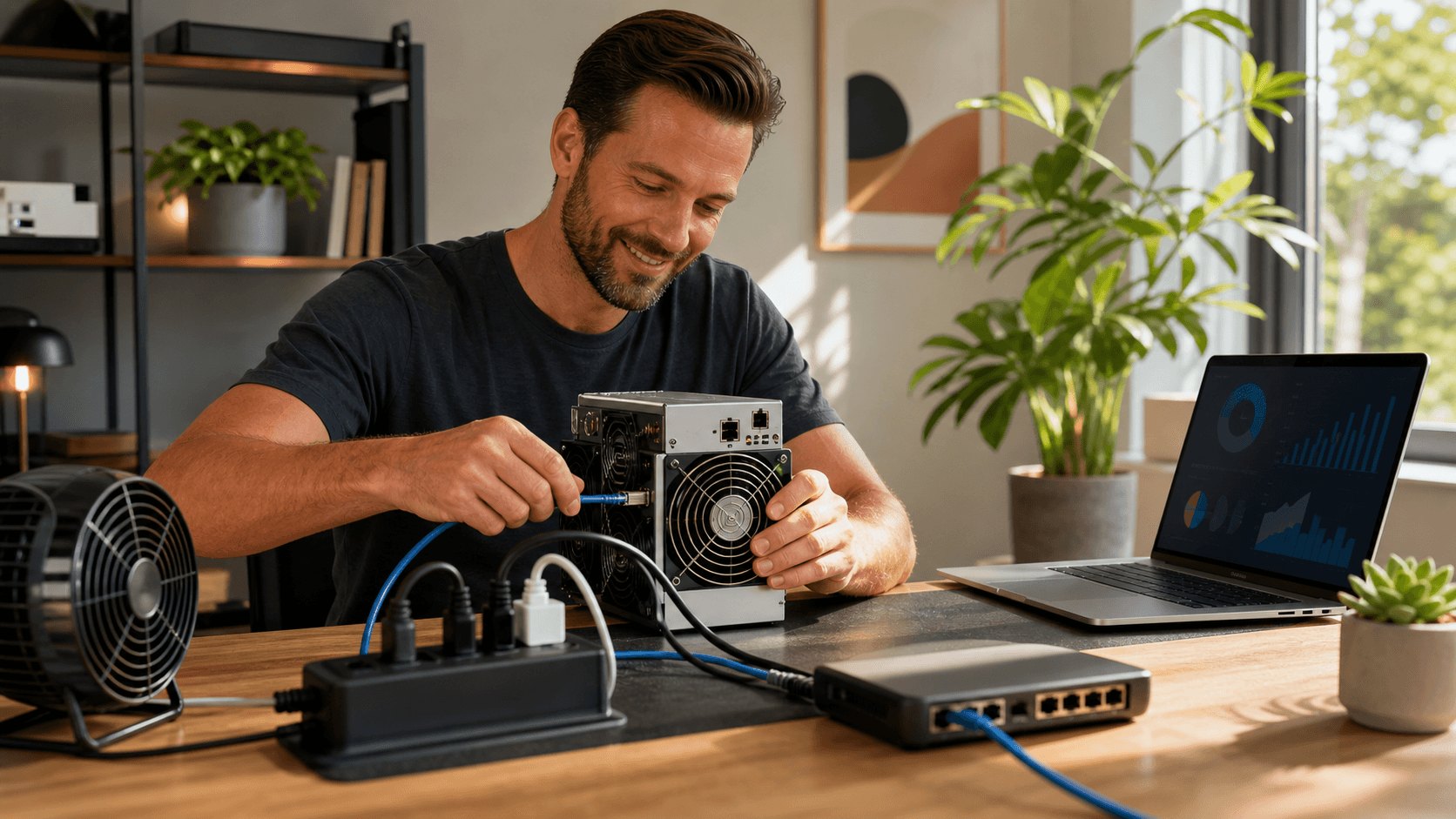
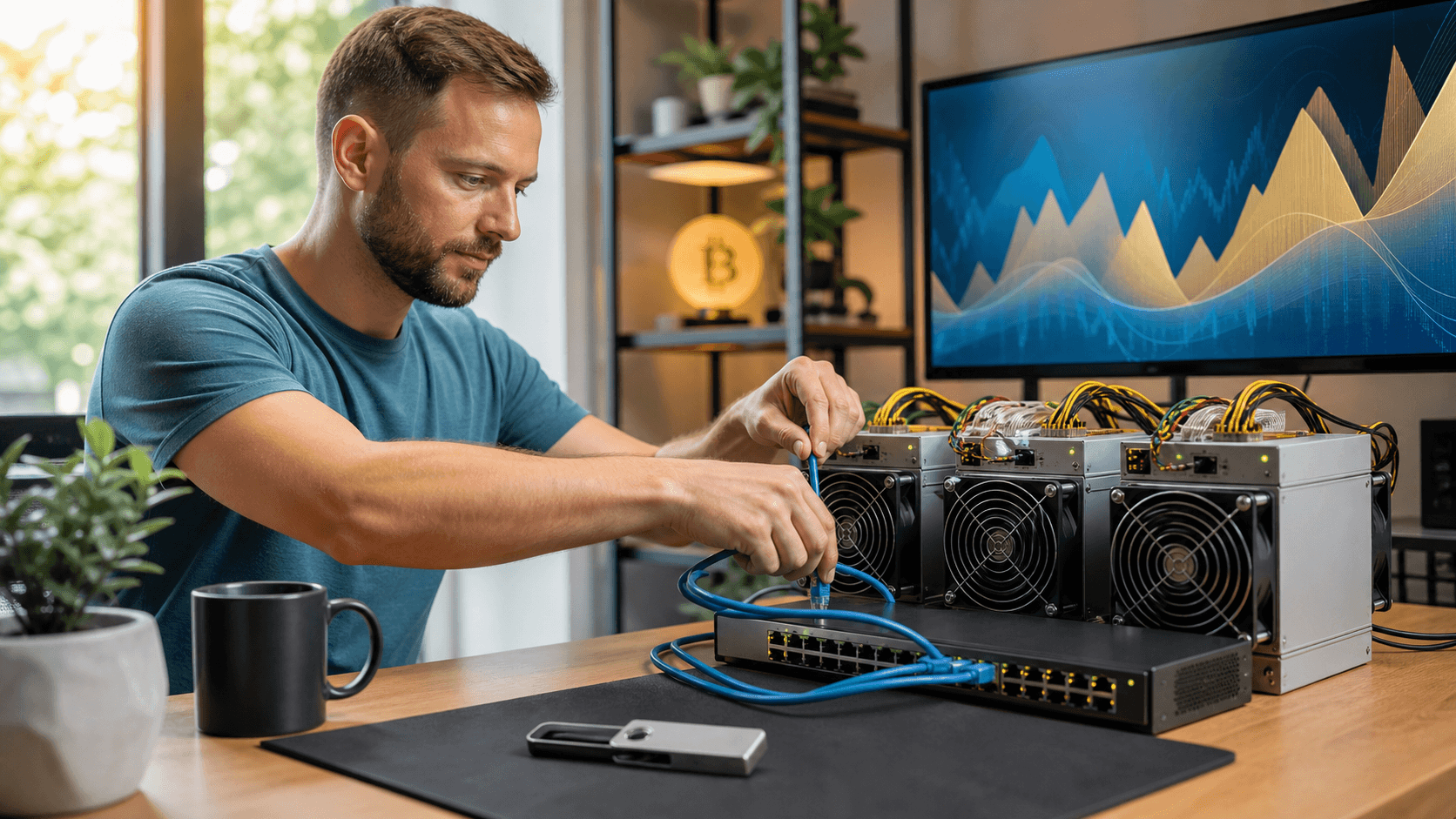
- A dedicated Ethernet cable or small switch near your miner
- A smart plug with power monitoring so you can watch energy use
- Simple temperature monitoring for the room or exhaust area
Call to Action: Configure Your First CKPool Worker
Once you have your miner, PSU, and network in place, set up CKPool as a secondary or primary pool on one device. This gives you lottery-style exposure without committing your entire hashrate.
Step-by-Step CKPool Setup with Compact Miners
Here is a high-level setup flow that works well with Bitaxe and NerdQaxe-style hardware:
- Choose a Secure Bitcoin Wallet
- Use a non-custodial wallet where you control the keys.
- Back up your seed phrase securely and offline.
- Generate and copy a receiving address you are comfortable using long term.
- Get the CKPool URL and Port
- Use only the official CKPool documentation or site to find the correct URL and port.
- Confirm whether a specific port is recommended for solo miners.
- Configure Your Miner
- Log into the miner's web interface and open the mining or pool configuration page.
- In the URL field, paste the CKPool URL and the correct port.
- In the username field, paste your Bitcoin payout address.
- In the password field, enter the default suggested value or any string if CKPool does not use it for authentication.
- Test and Monitor
- Confirm the miner shows accepted shares and a stable hashrate.
- Check CKPool's stats page (if available) to verify your address and worker activity.
Common issues to avoid:
- Typing errors in the payout address
- Incorrect port or missing protocol prefix in the URL
- DNS or router issues that cause intermittent disconnects
Power, Electricity Use, Noise, and Connectivity
Supporting hardware is just as important as the pool choice:
- Power Supplies (PSU)
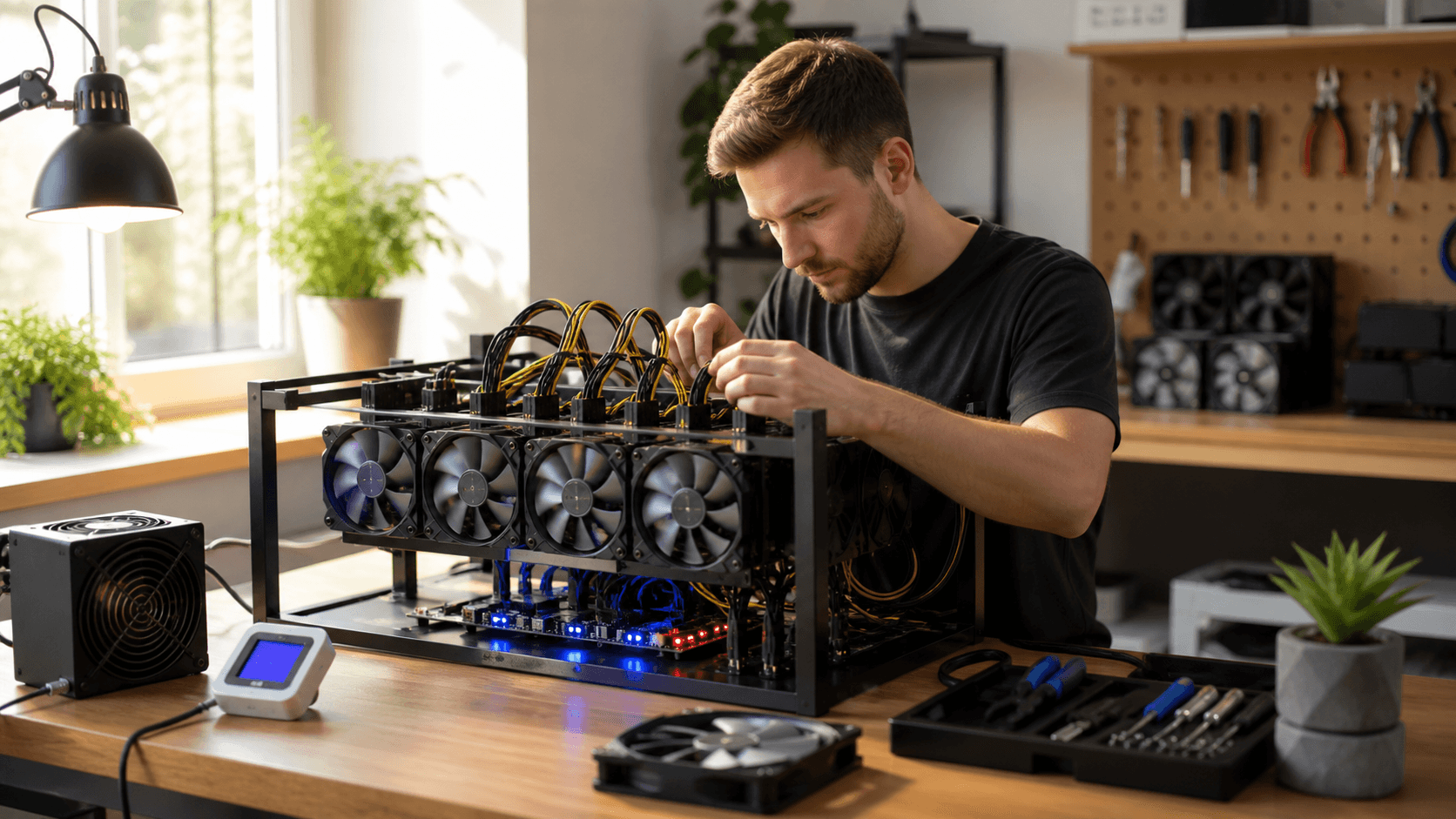
Select a PSU with at least 20, 30% headroom above the miner's maximum wattage. This helps avoid instability and extends PSU lifespan. For compact miners, a quality USB, DC, or small ATX PSU is typically sufficient.
- Electricity Use
Even compact miners run 24/7. To estimate costs:
- Convert your miner's wattage to kW (e.g., 50 W = 0.05 kW).
- Multiply by 24 hours for daily kWh, then by your local rate.
- Decide whether the long odds of CKPool solo mining justify that ongoing cost.
- Noise and Cooling
Small ASICs and Bitaxe-style devices are quieter than large units, but fans at high speed can still be noticeable. Simple upgrades like larger, slower-spinning fans, short ducts, or placing the miner in a ventilated closet can improve comfort.
- Connectivity
Wired Ethernet is recommended:
- Wi‑Fi can drop under heavy household use.
- Keep miners on a stable router with a strong password.
- You do not need to open inbound ports unless you have a specific advanced use case.
Consistent uptime matters: every offline minute is a minute your address cannot solve a block.
Payout Mechanics, Reliability, and Security
Payout Behavior on CKPool
:
- If your address finds a block, CKPool sends the full block reward to your wallet.
- The pool takes its fee from that block, not from daily micro-payouts.
- Shares are used to prove your miner's work but do not accumulate a user balance like a public pool.
Reliability Tips
:
- Check CKPool's status or public dashboards occasionally.
- Compare your miner's accepted shares and hashrate against what CKPool reports.
- Monitor temperature and uptime so you are not wasting power on unstable hardware.
Security Best Practices
:
- Always verify the official CKPool URL before configuring your miner.
- Use your own wallet and never share seed phrases or private keys.
- Keep your router firmware updated and use strong passwords; segment your miner network if your setup allows it.
- Keep firmware on devices like Bitaxe and NerdQaxe current to patch known issues.
Before leaving any miner unattended, confirm:
- The payout address is correct and double-checked.
- Firmware is updated and stable.
- The PSU is from a reputable source and not running at its limit.
- Temperatures remain in a safe operating range with adequate airflow.
- Hashrate is stable and shares are consistently accepted.
Quick FAQ for CKPool Solo Lottery Miners
How Long Will It Take to Hit a Block With My Hashrate?
At home-scale hashrates, it can take a very long time to find a block, and you may never hit one. Treat CKPool solo mining like holding a long-odds lottery ticket that also provides heat and learning experience.
Is CKPool Safe to Use Compared to a Public Pool?
Both can be safe if you use the correct URL and protect your private keys. With CKPool, funds never sit in a pooled account; rewards are paid directly to your own wallet if you find a block.
Start With CKPool, Then Switch to a Public Pool Without New Hardware?
Yes. You can point the same miner (Bitaxe, NerdQaxe, or larger ASIC) to a different pool by changing the pool URL, username, and password settings in the miner interface.
What Happens If My Miner Goes Offline Right When a Block Is Found?
Only the address that submits the valid block hash receives the reward. If your miner is offline or does not submit the winning share in time, you will not receive that block's payout.
How Do Taxes Work on a Solo Block Reward?
In many jurisdictions, block rewards are treated as income at the time you receive them, and later disposals may trigger separate tax events. Always consult a tax professional who understands Bitcoin mining in your region.
Final Call to Action: Choose Your Miner and Point It to a Pool
- Decide your primary goal: lottery-style excitement (CKPool) or steady payouts (public pool).
- Select a miner that fits your noise, power, and budget constraints (small Bitaxe/NerdQaxe for hobby use; S9/S19-class or better for ROI-focused setups).
- Pair it with a reliable PSU, basic cooling, and wired Ethernet.
- Configure CKPool or a public pool as described above, then let the miner run.
If you are ready to chase a rare full block from home, get your miner and PSU set up, configure CKPool, and start solo lottery mining today.
Choose the Mining Setup That Protects Your Bottom Line
If you are weighing the pros and cons of CKPool vs. a public pool, we can help you align your mining approach with your risk tolerance and goals. At Saber Shore, we focus on practical guidance that keeps profitability and security front and center. Reach out to contact us so we can review your options and map out a clear next step. Let us help you turn today's research into a confident mining strategy.