Mine Bitcoin at Home Without Guesswork: BitAxe vs. NerdQaxe
If you want a small solo Bitcoin miner at home, BitAxe usually fits buyers who want a quiet, plug‑and‑play desk miner, while NerdQaxe is better for tinkerers who like open hardware and extra control. Below we compare hashrate, power use, noise, cooling, connectivity, setup difficulty, and ideal users so you can choose the right rig for your space and budget.
Quick Call to Action
If you already know you want a simple, quiet solo rig, start with a current BitAxe model in the low‑power range. If you prefer to customize, pick a NerdQaxe board and add a quality PSU, low‑noise fan, and enclosure.
A solo mining rig is just a compact ASIC miner you control yourself. You point it at your own Bitcoin node or a solo pool. Instead of steady daily payouts, you get a small chance to win the full block reward at once. It behaves more like a long‑odds lottery ticket than a paycheck, and that's the right mindset for home solo mining.
Late summer is a practical time to test noise and heat. Windows are often open, AC is usually running, and you can see how a miner affects a room before everything is closed up for colder weather. If you are planning to run a miner in a bedroom or office, this is when it is easiest to find out what noise level and heat output you can live with.
BitAxe vs. NerdQaxe: Side‑by‑Side Comparison
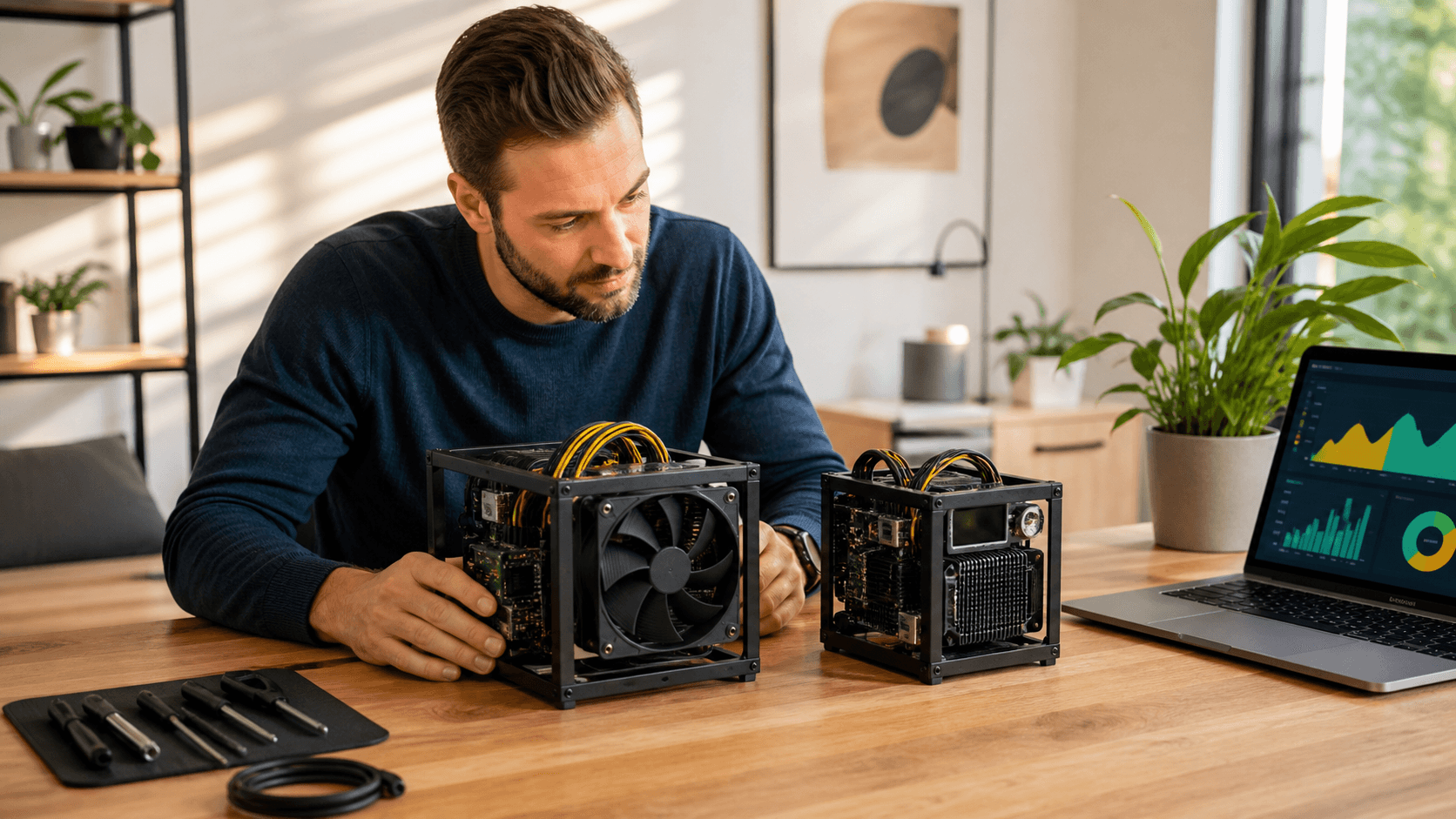
Both BitAxe and NerdQaxe are small ASIC‑based solo miners in roughly the same power class. The main differences are in setup style, hardware openness, and how much tinkering you want to do.
Feature
BitAxe (typical models)
NerdQaxe (typical models)
Typical hashrate range*
Low to moderate solo‑class hashrate; designed for hobby use
Similar solo‑class hashrate; some users tune higher via firmware
Power draw
Usually ~20, 100 W depending on model and tuning
Also ~20, 100 W; often more flexible for under/overclocking
Efficiency (J/TH)
Hobby-focused; not farm-grade efficiency but reasonable for home use
Comparable hobby‑grade efficiency; depends heavily on tuning
Noise
Generally similar to a quiet desktop or small desk fan when properly cooled
Can match BitAxe noise levels with a good fan and case; bare boards can be harsher
Cooling
Usually ships with integrated cooler and fan tuned for 24/7 use
Requires you to choose and mount a fan/heatsink or enclosure
Connectivity
Often built-in Wi‑Fi; many models also support Ethernet or USB control
Depends on the board; may rely on USB or an external controller/single‑board computer
Setup difficulty
More plug‑and‑play: power, connect to network, set pool/node in web UI
More DIY: mount board, wire PSU, flash/update firmware, then configure mining
Physical format
Compact self‑contained unit suited to a desk or shelf
Board‑first; you add case, fan, and mounting solution
Ideal user
Home miner who wants a neat solo miner in an office or living room with minimal fuss
User who enjoys building, tweaking, and customizing hardware and software
*Exact specs vary by model and firmware. Always confirm hashrate and wattage on the current product page.
Comparison Call to Action
Once you know whether you prefer plug‑and‑play or DIY, pick a current BitAxe or NerdQaxe model in your target power range (20, 100 W) and budget, then match it with a reliable power supply and cooling solution.
What a Solo Mining Rig Really Is
For this guide, a solo mining rig means:
- You run one or a few small ASIC miners at home.
- They point to your own Bitcoin node or a solo‑style pool.
- If you hit a block, you receive the full block reward minus any pool fee.
- Most of the time, you will not hit a block at all.
Hashrate
Hashrate is how many guesses per second your miner makes at the correct block header. More hashrate means better odds, but the Bitcoin network is large. With a 20, 100 W home rig, you need to think in long time frames and accept that you may never hit a block. Treat it as a technical hobby with a small chance of a large payout.
Electricity Use
You can estimate electric use with a simple formula:
- Take the miner power in watts.
- Divide by 1,000 to get kilowatts.
- Multiply by hours per day.
For example, a 50 W miner running 24 hours:
- 50 ÷ 1,000 = 0.05 kW
- 0.05 kW × 24 h ≈ 1.2 kWh per day
On a typical power bill, this is noticeable but not extreme, and nearly all of it turns into gentle room heat.
Noise and Cooling
In real home use, a 20, 100 W miner behaves like a small space heater on low. It will slowly warm a closed room. Noise can range from a quiet gaming PC at idle to a small desk fan. Poorly tuned or undersized fans can sound closer to a hair dryer on low, which is usually too loud for a bedroom.
Noise and cooling are linked:
- A larger, slower fan with a decent heatsink can keep noise closer to desktop PC levels.
- A small fan running at full speed can be sharp and annoying even at the same measured dB level.
For bedrooms, aim for something that sounds like a quiet PC, not a hair dryer. If needed, use a closet, hallway, or spare room to add distance. Both BitAxe and NerdQaxe depend on solid airflow and dust‑free fans to stay stable.
Connectivity and Network Stability
Both products expect a stable router and internet connection. They send and receive work frequently from your node or pool. Flaky Wi‑Fi can cause stale shares, resets, or dropped connections. If Wi‑Fi is weak where you want to place the miner, consider Ethernet or a powerline/Ethernet adapter.
Choosing BitAxe for Home Mining
BitAxe is generally the better fit if you want:
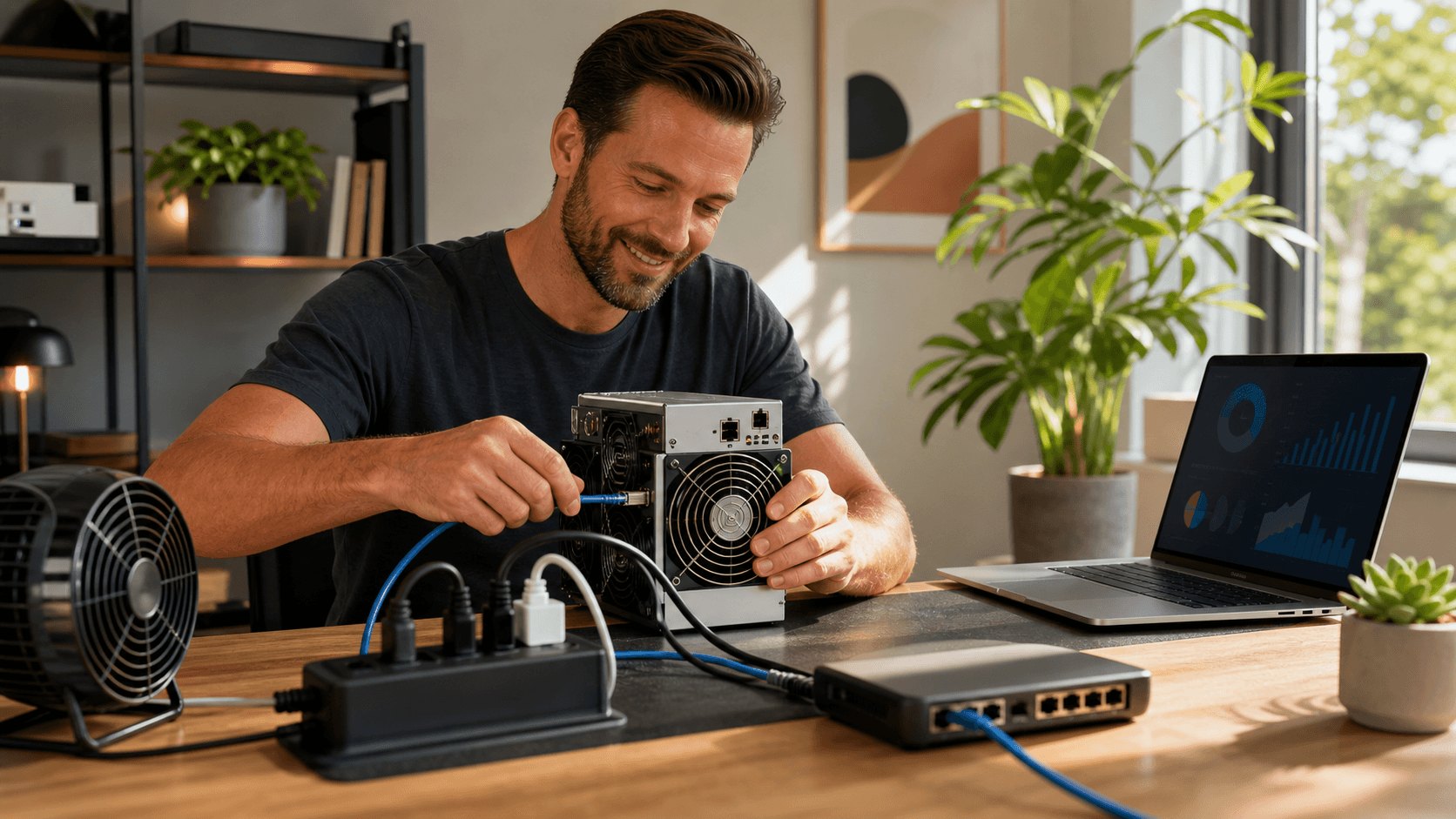
- A compact solo mining rig that looks clean on a shelf or desk.
- Simple power and Wi‑Fi/Ethernet setup.
- A built‑in web interface where you enter pool or node details.
- A quiet, low‑maintenance device suitable for a home office.
Hashrate & Power
Most BitAxe‑style miners sit in the low tens of watts and deliver a modest solo‑class hashrate. They are not designed to compete with large farm hardware, but they are efficient enough for hobby use without a large power bill.
Electricity & Heat
At 20, 100 W continuous draw, you are adding a small but steady line item to your bill plus a gentle heat source for a small room. In cooler months, this can offset a bit of heating. In warmer months, you may prefer to place the miner in a room with better airflow or near an AC vent.
Noise & Cooling
BitAxe units typically ship with cooling that is already matched to the board. In many home offices they sound like a small desktop PC or desk fan when properly configured. For very quiet environments, you can:
- Place the unit on a solid surface to reduce vibration.
- Avoid resonant shelves or thin desks.
- Keep dust out of the fan and heatsink.
Connectivity
Many BitAxe models include Wi‑Fi and sometimes Ethernet or USB connectivity. Setup usually involves:
- Plugging in power.
- Connecting over Wi‑Fi or Ethernet.
- Opening the web panel in a browser.
- Entering your solo pool or node information.
Most users with basic home networking skills can go from unboxing to hashing in under an hour.
Setup Difficulty & Ideal User
BitAxe is suited to buyers who want a straightforward, mostly pre‑assembled miner. It is ideal if you:
- Want a clean unit that can sit in a living room or office.
- Prefer to spend time choosing pools and watching stats rather than building hardware.
- Are okay with basic configuration but do not want to flash firmware regularly.
Choosing NerdQaxe for Home Mining
NerdQaxe tends to be the better choice if you:
- Prefer open‑source, more transparent hardware projects.
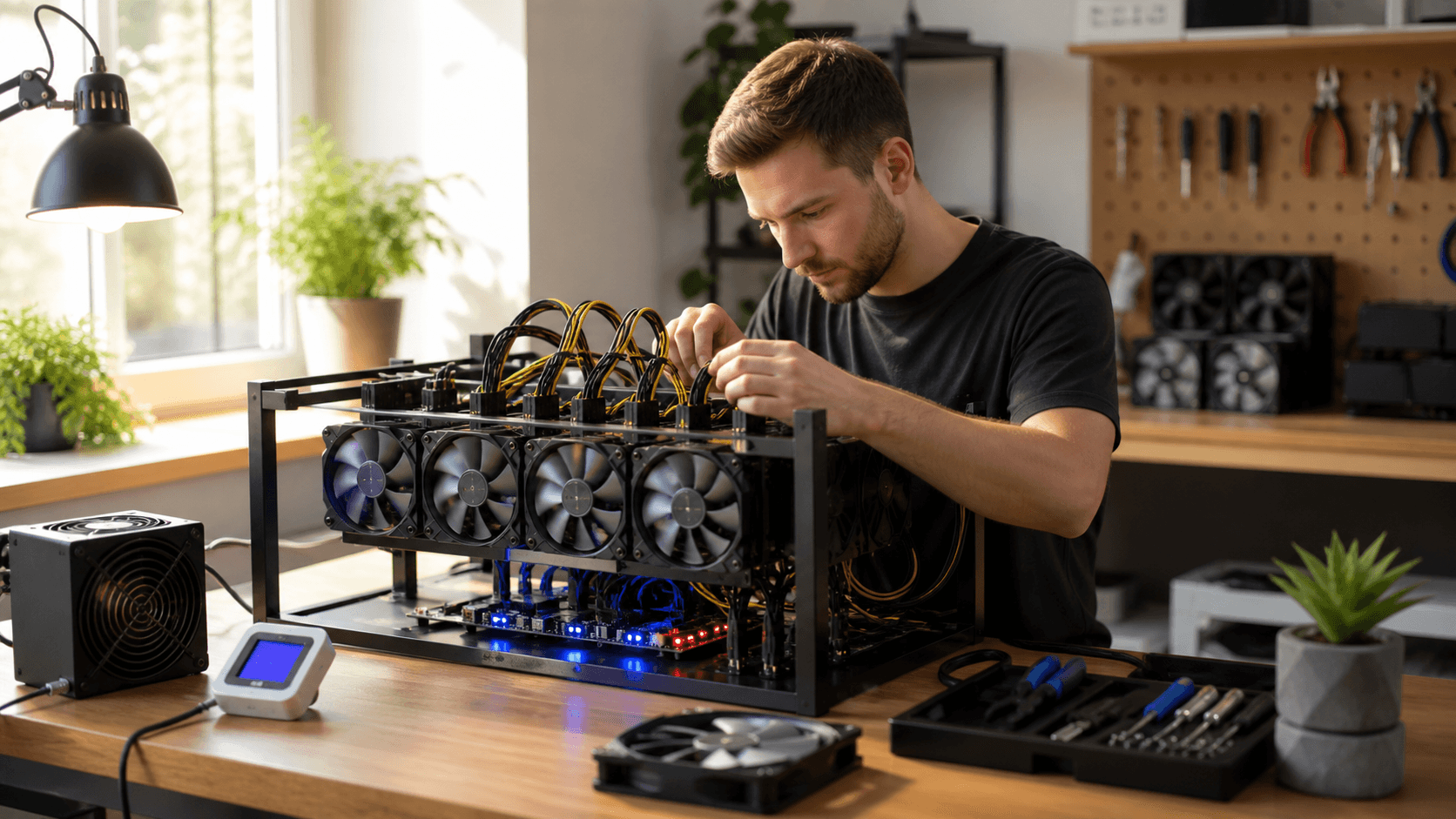
- Enjoy assembling or mounting boards.
- Want to tune power and hashrate up or down.
- Are comfortable following community guides and firmware instructions.
Hashrate & Power
NerdQaxe boards operate in a similar 20, 100 W solo‑miner power band, but they are often set up to allow flexible underclocking or overclocking. Advanced users can adjust power limits, fan curves, and sometimes core frequencies within safe ranges.
Electricity & Heat
Power usage is comparable to BitAxe when run at similar settings. If you overclock, expect power draw, heat, and fan noise to increase. Underclocking trades hashrate for lower heat and quieter operation.
Noise & Cooling
Because NerdQaxe is board‑first, noise depends heavily on your chosen cooling solution:
- With a quality 92, 120 mm low‑noise fan and a decent heatsink, you can achieve noise similar to a quiet PC.
- With small, high‑RPM fans or a bare board, the sound can be sharper and more noticeable.
Recommended accessories for a refined NerdQaxe build include:
- A known‑good 12 V PSU with sufficient headroom.
- A low‑noise PWM fan sized to your heatsink or enclosure.
- A 3D‑printed or aluminum enclosure to contain airflow and reduce high‑pitched noise.
Connectivity
Connectivity varies by NerdQaxe model. Many rely on:
- USB to a controller (e.g., a small single‑board computer), or
- Direct network connectivity when paired with an external controller.
Plan for one of the following:
- A small dedicated controller (such as a single‑board computer) running mining software.
- USB connectivity to an existing PC or server in your home.
Setup Difficulty & Ideal User
A typical NerdQaxe setup may involve:
- Mounting the board safely (stand‑offs, case, or frame).
- Wiring a suitable PSU.
- Flashing or updating firmware as recommended by the project.
- Configuring mining software and pointing it to your node or pool.
This path takes more time and attention but rewards you with more control. NerdQaxe suits people who like to experiment, build their own enclosures, and regularly tune for noise and efficiency.
Best‑For Recommendations by Budget and Use Case
Best for Budget‑Conscious Beginners
- Choose: An entry‑level BitAxe or NerdQaxe model at the lower end of the hashrate range.
- Why: Lower cost of entry, moderate power draw, and enough performance to learn how solo mining works.
- Consider: Running at stock settings to keep noise simple and stability high.
- Expectation: Treat the miner as a long‑term Bitcoin lottery ticket and an educational tool, not guaranteed income.
Best for Quiet Home Office or Bedroom
- Choose: Low‑watt BitAxe models with fan profiles tuned for quiet operation.
- Or: NerdQaxe with a larger, low‑RPM fan and a closed case or enclosure.
- Setup tips:
- Place the miner on a solid surface away from your head while sleeping.
- Avoid echo‑prone corners and thin shelves that can amplify vibration.
Best for Power Users and Serious Hobbyists
- Choose: Higher‑hashrate variants of BitAxe or NerdQaxe, plus robust cooling.
- Accessories:
- A higher‑capacity PSU with safety margin.
- Upgraded fans or heatsinks to manage 24/7 operation.
- Temperature monitoring through firmware or external sensors.
- Trade‑offs: Higher hashrate and better odds of hitting a block over time in exchange for more power use and noise.
Seasonal Placement Tips
In late summer:
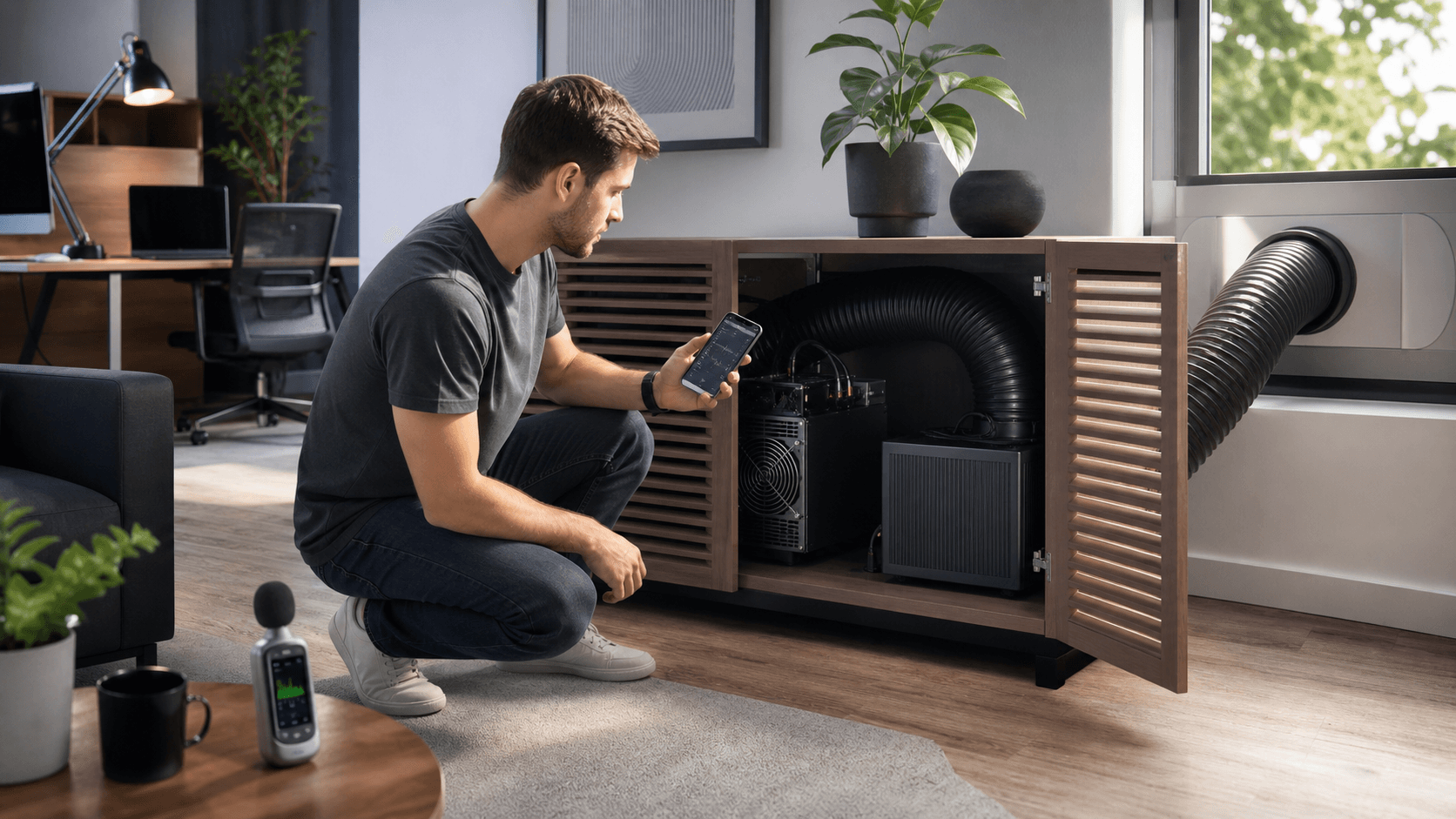
- Place the miner near an AC vent or in a room with natural airflow.
- Avoid sealing miners in tight, unventilated cabinets.
- Plan to move your rig closer to main living areas in colder months so it can double as a small supplemental heater.
You can also:
- Point these rigs to a standard payout pool when you want more frequent, smaller payouts.
- Switch to solo pools or your own node when you want the excitement of a small chance at a full block reward.
- Run a solo miner beside a larger pool miner if you already have higher‑power equipment.
FAQ: Real‑World Buyer Questions
Do small solo miners ever hit blocks?
Yes. Even small solo miners can and do occasionally find blocks. It is purely a probability game over long time spans. The lower your hashrate, the longer your expected time between blocks, and the more variance you must accept.
Will a BitAxe or NerdQaxe solo rig make a profit?
It may, but it should not be your primary expectation. Think of it as paying for a hobby that teaches you about Bitcoin mining and gives you a low‑probability chance at a larger payout. Always factor in your local electricity rates and realistic hit rates.
Can I run these miners 24/7 at home?
Yes, if you use a suitable PSU, a quality surge‑protected power strip, and maintain clear airflow around the miner. Check for dust buildup on fans and heatsinks periodically and keep cables tidy and away from heat sources.
Do I need to run my own Bitcoin node?
No. You can connect to a trusted solo pool for simplicity. Running your own full node is an option if you want more control and privacy, but it is not mandatory to get started with a BitAxe or NerdQaxe.
How hard is firmware and troubleshooting?
Most common issues on both platforms are resolved by:
- Reflashing firmware with the recommended image.
- Resetting configuration to defaults, then re‑entering pool details.
- Power cycling the miner and router.
Clear written guides and community documentation are typically available, and they walk you through these steps without requiring deep technical knowledge.
Final Call to Action
If you want a clean, low‑effort solo rig for your desk or office, choose a current BitAxe model in the 20, 100 W range, pair it with a reliable PSU, and connect it to your preferred solo pool or node. If you prefer to build and tune your own setup, select a NerdQaxe board, add a quality power supply, low‑noise fan, and enclosure, and follow the community setup guide. Pick the path that best matches how hands‑on you want to be, and start mining at home with clear expectations and stable hardware.
Build Your Own Profitable Bitcoin Setup Today
If you are ready to turn your interest in Bitcoin into real hashing power, our solo mining rig is built to help you start quickly and efficiently. At Saber Shore, we focus on hardware that is easy to deploy, monitor, and scale as your goals grow. If you have questions about sizing, power, or setup, you can contact us for tailored guidance before you commit.