What 6, 12 Months of Bitcoin Lottery Mining Really Looks Like
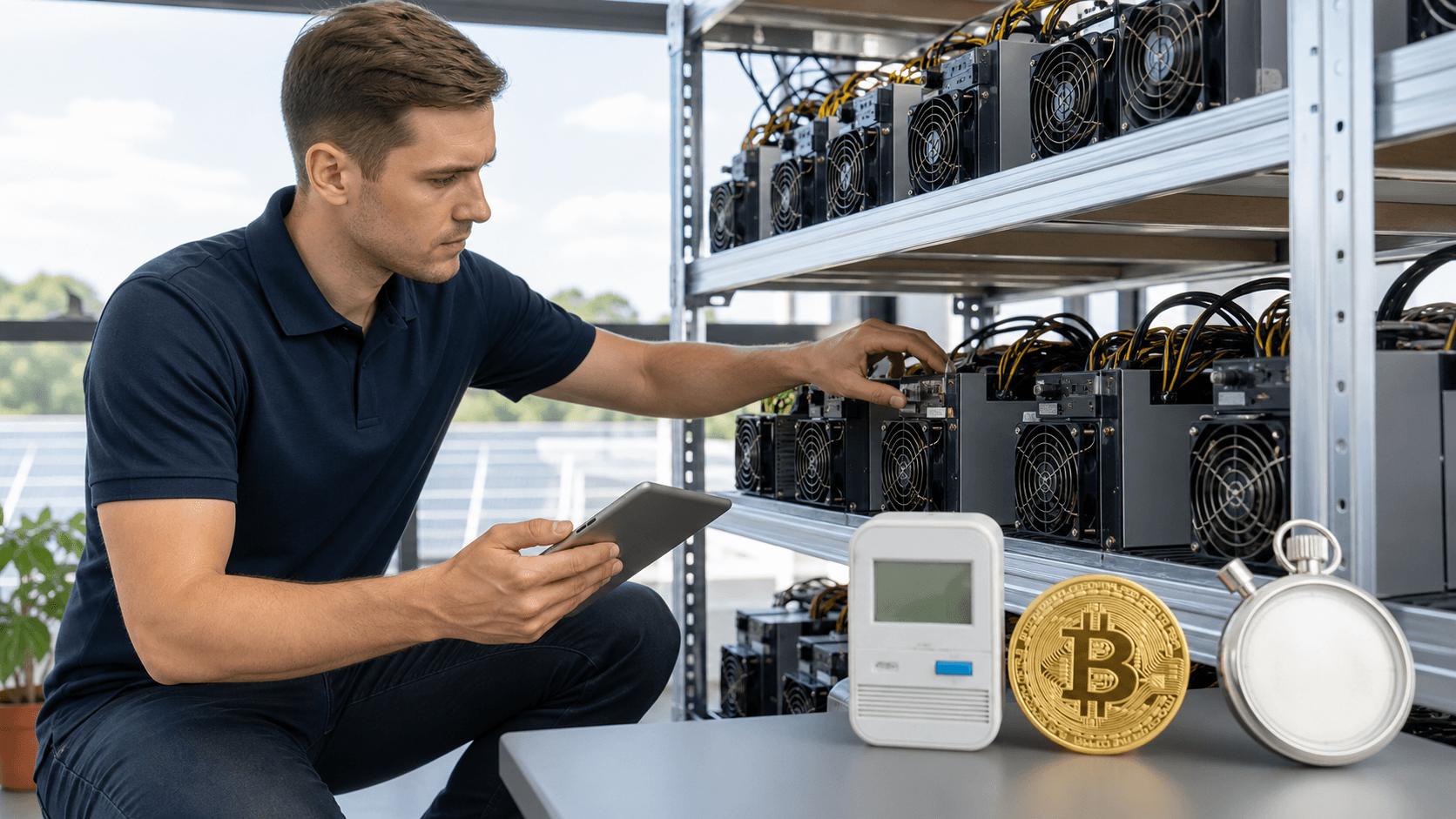
Running a Bitcoin lottery miner at home for 6, 12 months usually means a steady low-power hum, very few big wins, and a slow trickle of sats if you use merged mining or a small payout pool. Most home miners will not hit a full block in that time. Some get lucky; many do not. Over that period, your experience is driven by hashrate, electricity use, noise, cooling, connectivity, and how easy the miner is to live with in your home.
A Bitcoin lottery miner is not a paycheck machine. It is a low-power way to join the network with a tiny chance at a full block reward. Think of it as buying a long string of cheap tickets, not signing up for a second job. When people treat it as a fun, educational experiment, they are usually happier than those who expect steady monthly income.
If you decide to run one, it helps to match the miner to your power rate, noise tolerance, and space. In Texas, where power and heat can both be intense, that balance matters even more. Getting good guidance before you buy from a veteran-owned Texas shop that tests hardware in the U.S. can save you a lot of frustration over your first 6, 12 months.
Quick Comparison: Popular Home Bitcoin Lottery Miner Styles
The table below compares common home lottery-style setups so you can see how they differ on hashrate, power, noise, cooling, connectivity, setup, and ideal user.
Device / Style
Hashrate
Power & Est. Monthly kWh*
Noise
Cooling Needs
Connectivity
Setup Difficulty
Ideal User
BitAxe Ultra Solo
~400, 550 GH/s
20, 30 W
~15, 22 kWh/month
Like a quiet PC fan
Basic airflow, room temp OK
Ethernet or Wi-Fi bridge
Moderate (web UI + basic networking)
Beginner or hobbyist in an apartment/office
Mid-range BitAxe variant
Higher GH/s range
30, 50 W
~22, 37 kWh/month
Small fan, fine in most rooms
May benefit from upgraded fan in hot rooms
Ethernet recommended
Moderate
Budget miner wanting slightly better odds while staying quiet
NerdQAxe-based board (in PC/home lab)
Up to low TH/s range when tuned
Board + PC power, ~75, 200 W
~55, 145 kWh/month
Depends on PC case fans
Needs thought-out case airflow
Via your PC or dedicated controller
Higher (DIY power, mounts, firmware)
DIY tinkerer, lab / gaming PC owner
Compact underclocked ASIC
Multiple TH/s even underclocked
Several hundred W
~220, 440 kWh/month
Loud airflow, not bedroom-friendly
Strong airflow; garage/utility room ideal
Ethernet
Moderate (needs basic power planning)
User with better power rates and space for noise/heat
*Monthly kWh estimates assume 24/7 operation for a 30-day month.
Best-for Recommendations by Budget and Use Case
To make the choice easier, here are direct recommendations based on how you plan to mine and what you want to spend.
Best for Tight Power Budget / Apartments:
A BitAxe Ultra Solo or similar low-power BitAxe board. Very low electricity use, quiet enough for an office, straightforward setup.
Best for Tinkerers and Home Lab Builders:
A NerdQAxe-based board integrated into a PC or small rack. Higher hashrate than a single BitAxe, with more room for firmware tuning, fan curves, and custom enclosures.
Best for Education and STEM with Kids:
Enclosed, low-power lottery boards (BitAxe-class) with safe power supplies. These show the full mining process with minimal noise, heat, or risk.
Best for Maximum Odds While Staying at Home-Friendly Power:
A compact underclocked ASIC. Higher power bill and noise, but multiple TH/s improves your long-term odds and enables meaningful pool payouts.
Best Long-Term "Set and Forget" Lottery Experiment:
The quietest, most efficient lottery board you can leave on 24/7 without noticing it on your bill or hearing it in your living space.
Call to Action: Choose the Right Miner and Accessories up Front
Before you start your 6, 12 month lottery run, pick a miner that fits your budget, power rate, and noise tolerance, and match it with a tested power supply and basic cooling upgrades. A veteran-owned Texas shop that ships from within the United States, tests each unit, and offers setup assistance can help you get a stable, quiet setup from day one. Browse in-stock lottery miners, matching PSUs, and fan accessories, then choose the bundle that matches your home.
Case Study Snapshot: 6, 12 Month Results at a Glance
Here is a simple snapshot of what different home setups might see over 6, 12 months. These are realistic styles of setups, not promises.
BitAxe Ultra Solo
Hashrate:
~400, 550 GH/s
Average Uptime:
High, often nearly always on
Power Draw:
~20, 30 W
Power Cost Over Period:
Low for most homes
Total Rewards:
Usually small sats unless very lucky (via merged or tiny pool payouts)
Mining Method:
Pure solo or small lottery pool
Block Found:
Usually no over 6, 12 months
NerdQAxe-Based Board on a PC Rig
Hashrate:
Higher than a single BitAxe, still under 1 TH/s in many home setups
Average Uptime:
Medium, due to gaming, reboots, and travel
Power Draw:
Includes miner board plus extra PC power
Power Cost Over Period:
Moderate over 6, 9 months
Total Rewards:
Small sats, mainly from any merged or small pool use
Mining Method:
Mostly solo, sometimes hybrid pool/solo
Block Found:
Very rare in a 6, 12 month window
Silent-Style Lottery Miner Focused on Low Power
Hashrate:
Lower, in the GH/s range
Average Uptime:
Very high, easy to leave on 24/7
Power Draw:
Often under 20 W
Power Cost Over Period:
Very low
Total Rewards:
Usually just tiny payouts if pointed to special pools
Mining Method:
Solo or lottery-style pool
Block Found:
Almost always no
Underclocked Traditional ASIC, Home-Friendly
Hashrate:
Multiple TH/s even when slowed down
Average Uptime:
Medium to high if cooling is handled
Power Draw:
A few hundred W when underclocked
Power Cost Over Period:
Higher than small boards
Total Rewards:
Steady sats from a payout pool, plus rare solo attempts
Mining Method:
Hybrid (pool plus solo)
Block Found:
Still unlikely in a short 6, 12 month window
The key lesson from this kind of snapshot is variance. Two people with similar hashrate and uptime can end up with very different results. One might hit nothing. One might hit a block. Over 6, 12 months, luck matters more than most people expect.
Inside a Bitcoin Lottery Miner: Hashrate, Power, and Variance
A Bitcoin lottery miner is usually a small ASIC-based board, like a BitAxe or NerdQAxe design. It talks to your full node or a solo pool and sends hashes (guesses) at the next block header. If one of those hashes is right, you get the full block reward minus fees. If not, you get nothing from that work.
The main factors that shape your experience are:
- Hashrate: How many hashes (guesses) each second. More hashrate means more tickets in the draw, but there is no promise you will hit in any fixed time frame.
- Power Draw: How much electricity the miner pulls from the wall while it runs.
- Efficiency: How many hashes you get per watt. Higher efficiency helps keep the power bill down.
- Variance: How much your real results bounce around from the statistical average.
A 20, 50 W lottery miner is tiny compared to a big ASIC that can pull over 2,000 W. That small power use is why people like running lottery miners at home: the monthly cost is easier to stomach, and heat output is lower. The tradeoff is simple: lower power usually means fewer hashes and a longer average time to hit a block.
Variance is where things get wild. Someone might run a miner for a full year and never hit. Another person with similar hashrate might hit twice in a short window. It really does feel like a giant raffle that never stops.
Starting with known good hardware helps. Units that are powered on, tested for hashrate, and checked for stability before they ship give you one less thing to worry about while you chase those rare blocks. That is one of the advantages of buying from a U.S.-based, veteran-owned shop that verifies hardware before it leaves the warehouse.
Real Home Mining Setups and Living with Them
Home setups usually fall into a few patterns.
BitAxe-Style Solo Miner in a Home Office
A BitAxe-style solo miner typically runs in the 400, 550 GH/s range, pulls little power, and can stay up almost all the time once tuned.
Hashrate:
Mid GH/s range.
Electricity Use:
Very low; many miners see it as background usage on the bill.
Noise:
Comparable to a desktop PC.
Cooling:
Simple airflow; a desk fan or open shelf is often enough.
Connectivity:
Ethernet or Wi-Fi bridge into your home network and node or pool.
Setup Difficulty:
Moderate. Set the node or pool address, tweak a few options in the web UI, and you are mining.
Ideal User:
New miner who wants to learn nodes and mining without a big power bill.
Over about a year, power use adds up but stays manageable. Many people running this way do not find a full block, but they may point it at a merged or tiny pool for a little drip of sats that softens the power spend. The big gain is learning how mining and nodes work.
NerdQAxe Board Added to a Gaming PC or Home Lab
Another style is a NerdQAxe board added to a gaming PC or home lab.
Hashrate:
Higher than a single BitAxe, still typically under 1 TH/s for most home builders.
Electricity Use:
Moderate; you are powering the PC plus the mining board.
Noise:
Tied to your PC case fans; can be quiet or loud depending on your build.
Cooling:
Needs more airflow planning; good case fans and dust management help.
Connectivity:
Runs through your PC or a small controller board.
Setup Difficulty:
Higher. You may handle power wiring, mounts, firmware flashes, and OS integration.
Ideal User:
Tinkerers who enjoy firmware tuning, overclock/underclock testing, and custom builds.
Over 6, 9 months, uptime is often lower, since the PC may be turned off for gaming, trips, or upgrades. Fewer total hashes get submitted, which lowers the odds compared to a 24/7 dedicated device.
Underclocked ASIC as a Hybrid Miner
A third pattern is an underclocked ASIC as a hybrid miner.
Hashrate:
Multiple TH/s even at reduced settings.
Electricity Use:
Several hundred watts; noticeable on the bill.
Noise:
Still in the "strong airflow" category, similar to a shop fan.
Cooling:
Benefits from a garage, utility room, or vented enclosure; ambient temperature matters a lot in places like Texas.
Connectivity:
Ethernet to your router and on to your pool or node.
Setup Difficulty:
Moderate once you plan the power circuit and placement.
Ideal User:
Miner with reasonable power rates, some space for noise and heat, and interest in more consistent pool payouts.
People often point an underclocked ASIC at a standard payout pool most of the time, then switch to a solo or lottery pool when they want some excitement. Over half a year or more, this approach tends to create more regular sats while still giving that small chance at a big solo win.
Noise, Cooling, and Connectivity in Everyday Use
Noise, cooling, and connectivity all matter if you want your home to stay livable.
Noise:
Open-air lottery boards with quiet fans are usually closer to a desktop PC. Underclocked ASICs, even slowed down, still sound like strong airflow. Many people tuck louder units in a garage, utility room, or insulated closet.
Cooling:
In warmer states like Texas, ambient heat can stay high well into the fall. Simple upgrades like better fans, basic ducting, or 3D-printed shrouds to direct air can improve stability and uptime.
Connectivity:
A stable internet line and a decent router are usually enough. If possible, a wired Ethernet cable is better than spotty Wi-Fi. For solo mining, basic router settings should be checked so your node and miner can talk freely.
Setup Difficulty by Miner Type
BitAxe-Style Miners:
Set your node or pool address, adjust a few settings in a web page, and you are off to the races if you are comfortable with basic networking.
NerdQAxe Boards:
More DIY, since you may be handling power wiring, mounts, and firmware. Great for people who want control, less ideal if you want plug-and-play.
Underclocked ASICs:
More plug-style for networking and configuration, but you must plan for power circuits, noise, and heat management.
Accessories and Upgrades to Consider
To get the most out of a 6, 12 month run, pair your miner with the right supporting gear:
Power Supplies:
Use a reliable, correctly sized PSU. Many home miners prefer dedicated, tested PSUs bundled with their BitAxe or NerdQAxe boards to avoid wiring mistakes.
Cooling Upgrades:
Quieter, higher-quality fans, simple ducting kits, or 3D-printed shrouds can lower noise and keep temps under control, especially in Texas summers.
Network Gear:
A small unmanaged switch, Ethernet cable runs, or a stable Wi-Fi bridge can prevent dropouts that interrupt solo mining.
Enclosures and Mounts:
For educational setups or living areas, a proper enclosure keeps fingers off live boards and cleans up cable clutter.
Competitor and Source Considerations
Some overseas sellers may offer different revisions or bare boards. The practical differences compared to a U.S.-based shop are usually:
Local testing and verification before shipping.
Faster domestic shipping from within the United States.
Support from people running similar setups on U.S. power and in similar climates.
More secure purchasing, better packaging, and easier returns if something arrives damaged.
Rather than chasing the absolute lowest sticker price, many home miners prioritize in-stock hardware from a shop that can help them get online quickly and safely. When something is temporarily sold out, a good U.S. seller will list an in-stock alternative or offer a restock email signup so you are not left guessing.
FAQ: Real Buyer Questions About Bitcoin Lottery Miners
What Are My Real Odds of Finding a Block with a Bitcoin Lottery Miner?
Over months, the odds for a small miner are low. Your hashrate is tiny compared to the full network. That is why results jump around so much. You should be comfortable with the chance of never hitting a block, even over 6, 12 months.
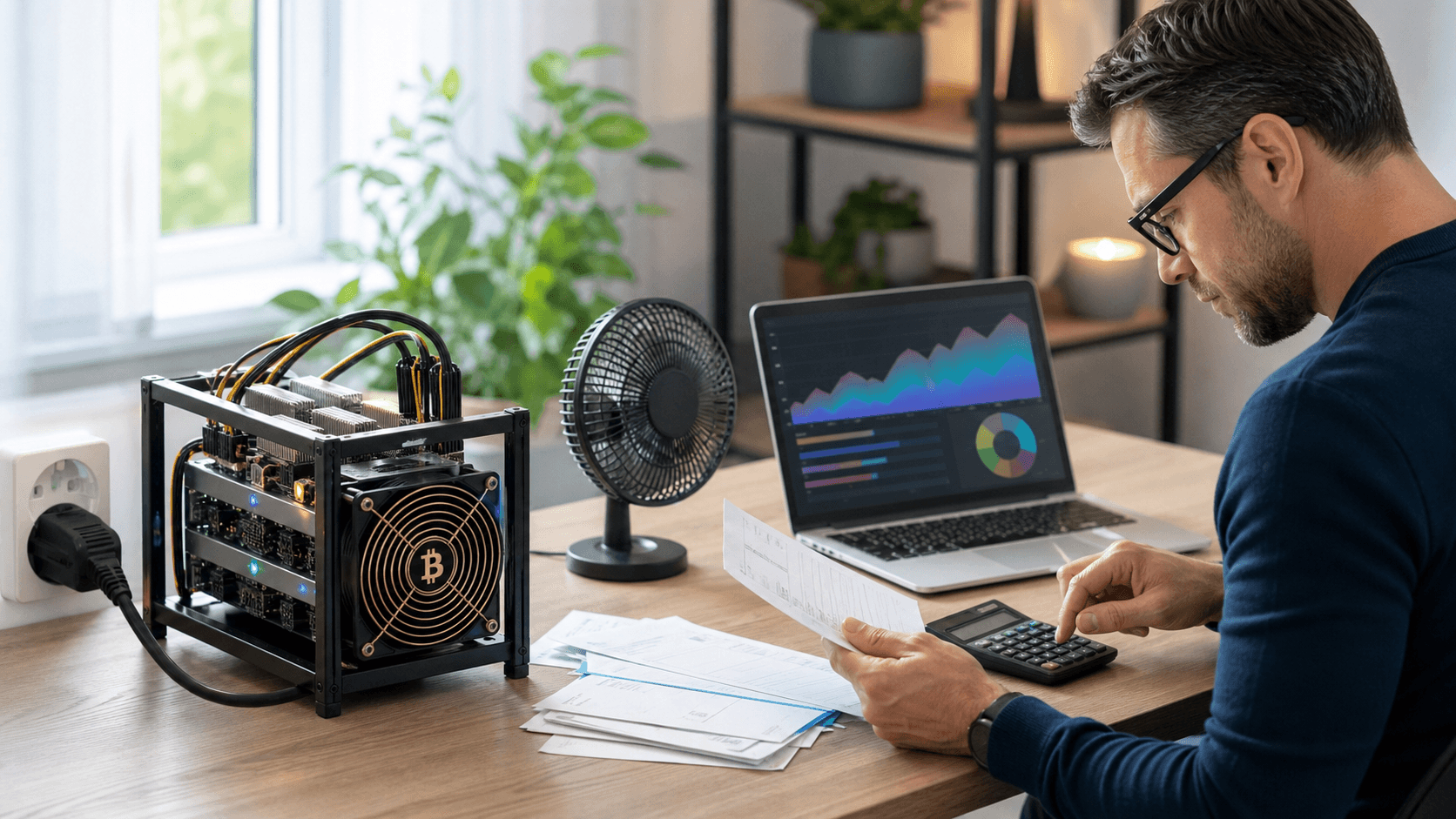
How Much Will This Add to My Power Bill Each Month?
Take the miner's watt rating, multiply by hours in a month if it runs nonstop (about 720), then divide by 1,000 to get kWh. Multiply that by your local kWh rate.
A 20, 50 W unit barely moves the needle for many homes.
A few-hundred-watt underclocked ASIC will be very noticeable at typical residential rates.
Is Solo Mining Better Than Pool Mining?
Solo mining is all or nothing: either you hit the block, or you get zero. Pool mining gives steady small payouts but no giant surprise. Many home miners use a hybrid style, with some time on solo and some time on a payout pool.
How Loud Is This in a Bedroom or Office?
Small lottery boards are usually like a quiet PC or laptop fan. Underclocked ASICs can be closer to a hair dryer or shop fan. Product pages often give ballpark noise levels so you can plan placement.
What Happens If Something Breaks?
Good shops power on and test gear before shipping to cut down on dead units. If something still fails, you would look at the maker's warranty and any support included with the sale. Many issues can be solved with basic checks, firmware updates, or replacing a fan or power supply. Buying from a veteran-owned Texas business that offers after-sale support makes this easier.
Can I Resell My Miner If I Am Done?
Yes. There are used markets for lottery miners and ASICs. Keeping the box, foam, and original accessories often makes selling easier and safer.
Start Your 12-Month Bitcoin Lottery Experiment the Right Way
Over 6, 12 months, a Bitcoin lottery miner works best as a low-power, high-variance experiment. It is a way to support the network, learn how mining really works, and hold a tiny chance at a big reward. Matching hashrate, power draw, noise, and cooling to your space and power rate is the key to enjoying it instead of worrying about it.
Working with a veteran-owned Texas business that ships from the United States, tests and verifies miners before they leave the warehouse, packages them securely, and stands behind you with setup assistance and after-sale support can make that first year much smoother.
When you are ready to start your own lottery run, choose a miner that fits your home, add the right power supply and cooling accessories, and set it up so it can quietly stack hashes in the background while life goes on. Browse current in-stock lottery miners and ASICs now, pick the model that matches your budget and space, and place your order to get your 6, 12 month Bitcoin lottery experiment underway.
Start Mining Your First Bitcoin Block Today
If you are ready to turn curiosity into real mining experience, our bitcoin lottery miner is built to help you get started quickly and confidently. At Saber Shore, we focus on practical, efficient tools so you can experiment with mining without overcomplicating your setup. If you have questions about hardware, setup, or next steps, simply contact us and we will help you move from reading to hashing.