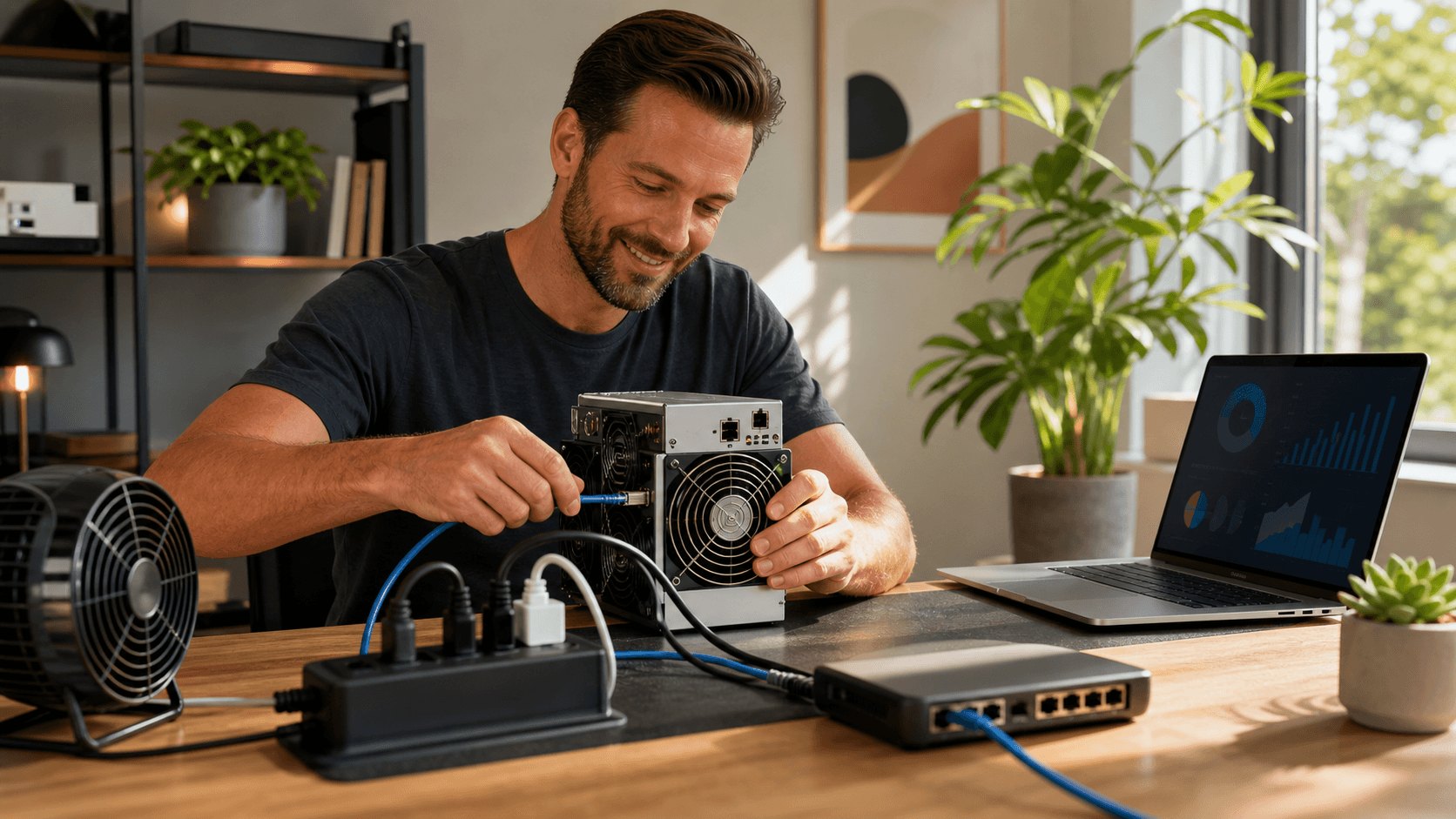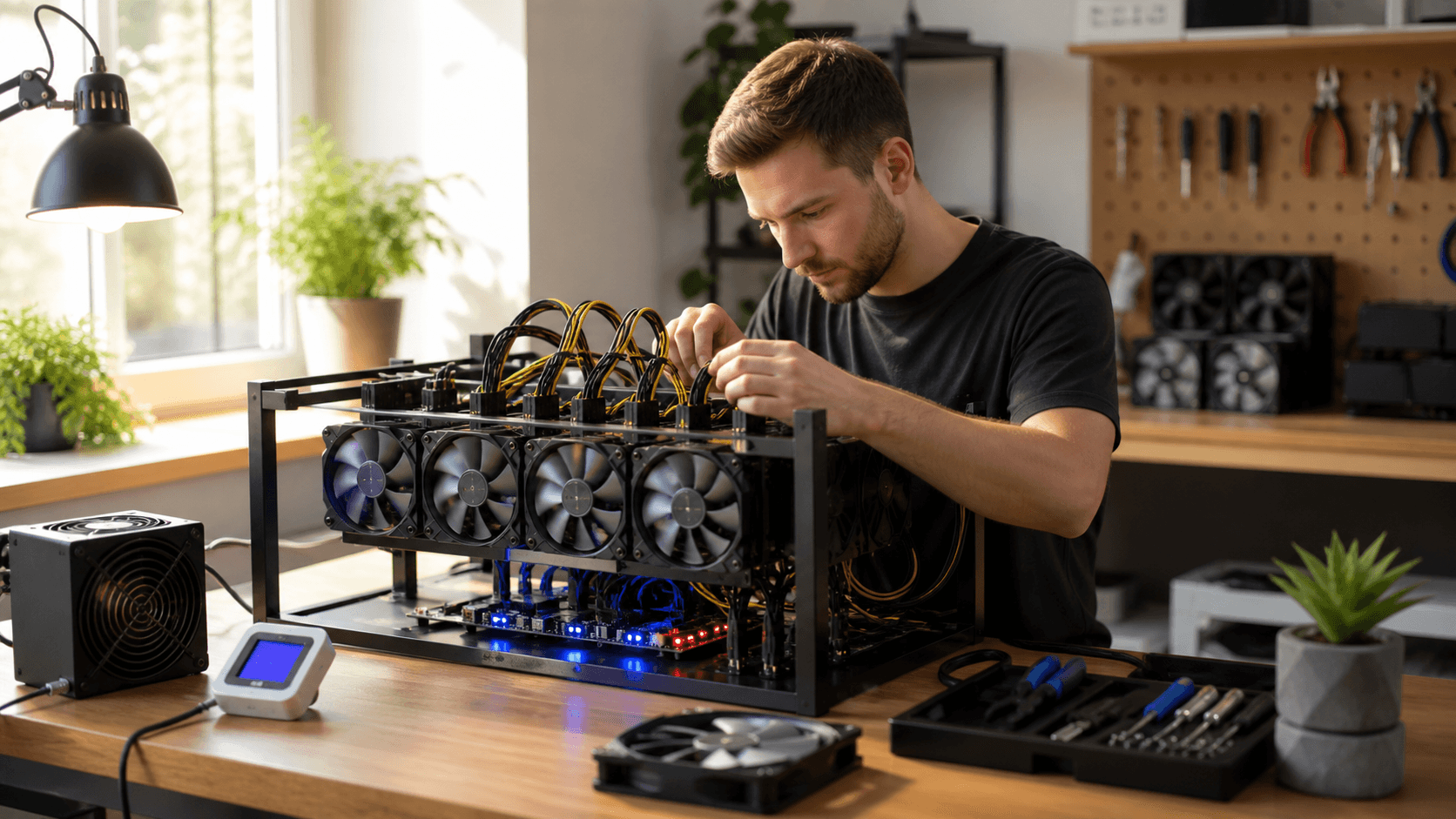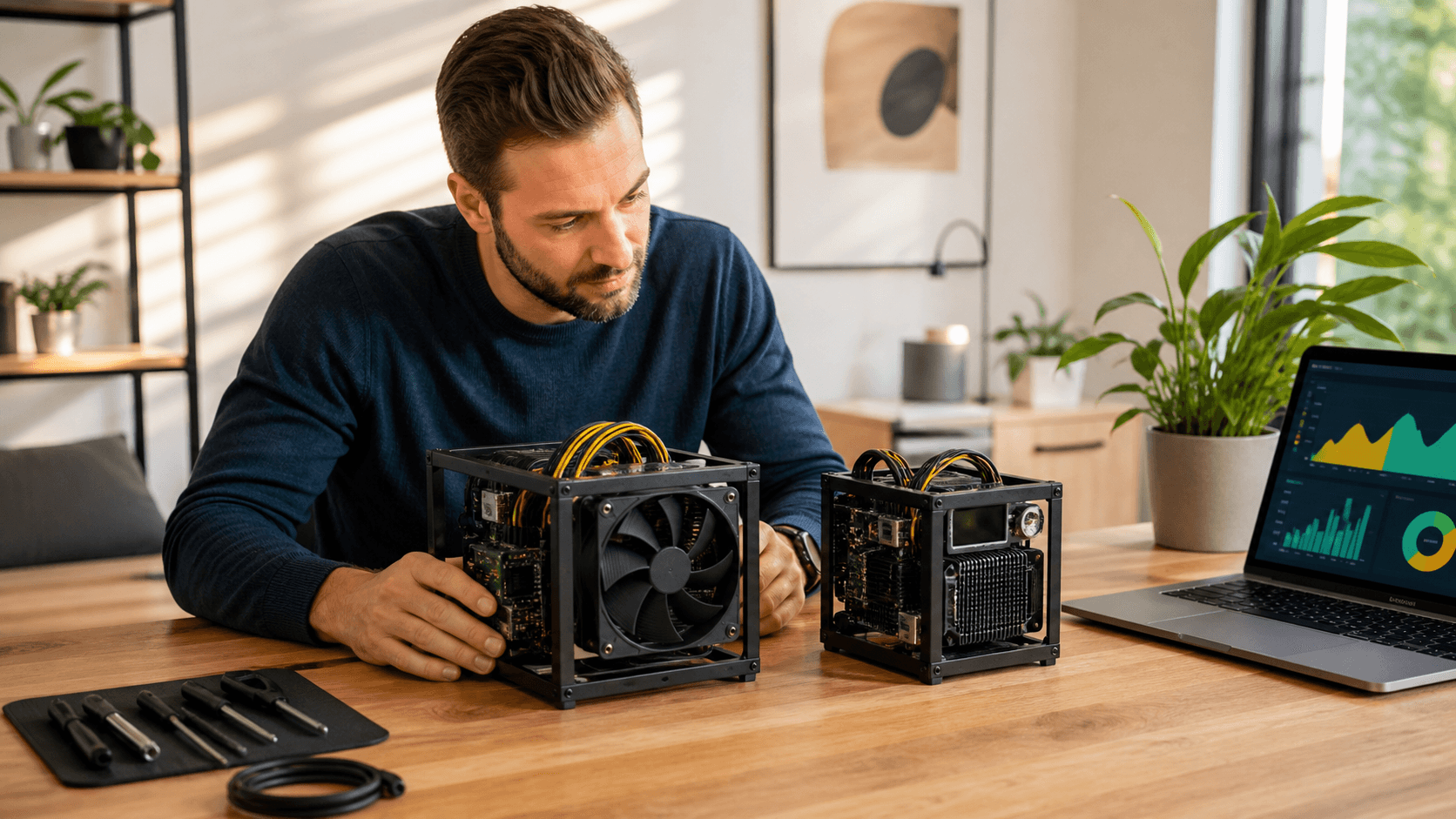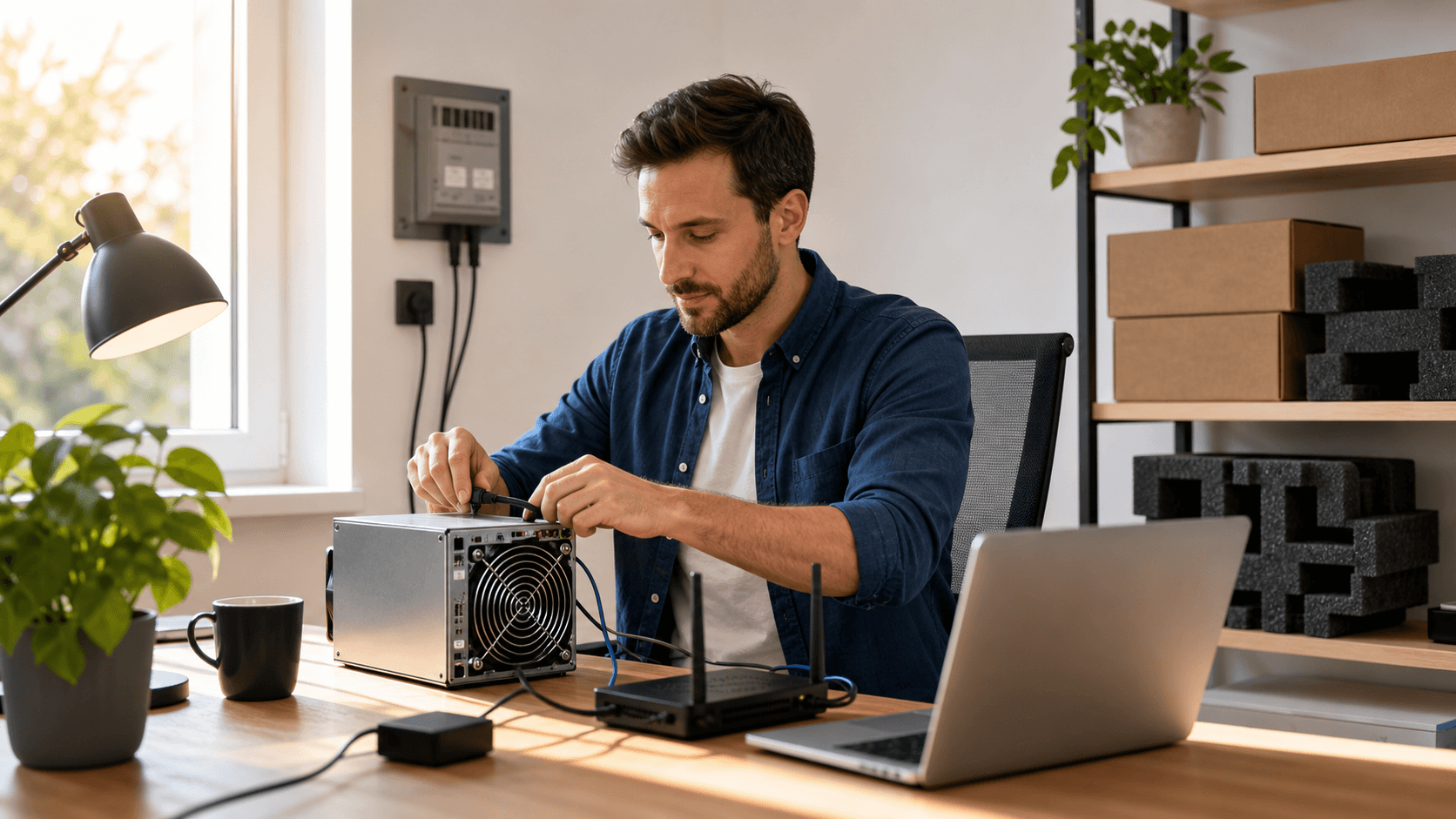
Why Solo Bitcoin Mining at Home Still Makes Sense
Solo Bitcoin mining at home is not about competing with industrial farms. It's about running your own gear, controlling your setup, and giving yourself a tiny but real shot at discovering a block on your own. If you go in expecting daily payouts, you'll be disappointed. If you treat it like a long-odds lottery with useful hands-on learning, it becomes a lot more enjoyable.
When we talk about home solo mining, we're usually talking about compact lottery miners, not warehouse-scale ASIC racks. These smaller units focus on low power draw, lower noise, and often open-source designs that are comfortable to live with in a normal room. The "best solo Bitcoin miner" for home use isn't the loudest or the biggest; it's the one that fits your goals, your budget, and your electrical situation without turning your space into a server room.
At SaberShore, we approach this like experienced home miners: start from your room, your power, and your noise tolerance, then match you to the right class of miner.
How to Judge the Best Solo Bitcoin Miner for Home
To compare solo miners properly, you need to be honest about hashrate and odds. A small miner measured in kH/s or low GH/s has an extremely low chance of ever finding a block, while compact TH/s-class miners raise the odds but still sit firmly in "lottery" territory. None of these are meant to be your main income source; they're about participation, education, and the possibility that you might get lucky.
At home, power, heat, and noise matter more than raw hashrate. A miner that burns a lot of watts will show up on your power bill and will warm a small room. Loud fans can be more annoying than you expect if the unit lives near your desk or bedroom. Many home miners are happy to trade some hashrate for quieter fans, better efficiency, and gentler heat output.
When you look at a specific miner, pay attention to practical basics like:
- Hashrate vs power draw (efficiency)
- Cooling options and fan size
- Wi‑Fi vs Ethernet support
- Power draw relative to your circuit limits
- Setup process and web interface quality
If you like tinkering, a miner that needs some configuration can be fun. If you just want it to work, you'll be happier with a plug‑and‑play device that auto‑connects and has a simple dashboard.
Compact Bitaxe-Style Solo Miners for Tinkerers and Devs
Open-source Bitaxe-style miners are a favorite among technically minded users. These compact boards use ASIC chips in a small form factor and are tuned for solo or small-pool mining. They're ideal if you want to get close to the hardware, inspect logs, flash firmware, or tweak performance without dealing with a full-size industrial machine.
In plain English, their key traits look like this:
- Hashrate: generally far below big farm ASICs, but enough for true lottery mining (typically low, mid GH/s up to low TH/s on newer boards)
- Power: low enough to run from a quality USB‑C PD brick or a modest PSU
- Noise: often quiet enough for a desk, especially with larger, slower fans
- Cooling: benefits from open airflow or a small 120 mm fan nearby
- Connectivity: usually Wi‑Fi built in; some support Ethernet via an adapter
These miners are best for developers, hardware hackers, and miners who care about open-source firmware and full control. You can run one next to your PC, connect via a browser, and have a compact rig teaching you a lot about Bitcoin mining internals without needing a 240 V line or a dedicated breaker.
Home-Friendly Lottery Miners for Plug-and-Play Users
Not everyone wants to flash firmware or tune fan curves. That's where purpose-built lottery miners come in. These are compact solo miners designed to sit quietly on a shelf, plug into power and network, and aim at your chosen solo endpoint, such as a solo pool or your own node.
A typical home-friendly unit will offer:
- Simple web dashboards that you open from a phone or laptop
- Wi‑Fi or Ethernet connectivity with quick setup screens
- A short setup flow: join your network, enter your address or pool, hit save
- Modest heat and noise levels that blend into everyday background sound
These miners are ideal for budget-conscious beginners and hobbyists who value silence and low power consumption over maximum hashrate. The odds of finding a block are still long, but you're contributing to the network, you own your hardware, and your power bill stays manageable.
Side-by-side Comparison of Popular Solo Home Miner Types
Here's a simplified comparison table showing how common solo-miner categories line up. Exact numbers vary by brand and model, but these ranges match what most home buyers see on the market today.
Model Type | Hashrate Class | Power Use | Noise | Cooling | Connectivity | Setup Difficulty | Ideal User
Open-source Bitaxe-style board | Low, mid GH/s up to low TH/s | Very low, low (USB‑C PD / small PSU) | Very quiet, quiet | Small onboard fan; benefits from 120 mm case fan | Built-in Wi‑Fi; some USB/Ethernet options | Moderate (web UI + optional firmware tweaks) | Developers, tinkerers, open-source fans
Compact TH/s lottery miner | Low TH/s | Low, moderate (wall plug or small PSU) | Quiet, moderate | Built-in fan, works best in open space | Ethernet; some add Wi‑Fi | Easy (guided wizard in browser) | Plug‑and‑play hobbyists wanting better odds
Mini USB stick miner | kH/s to low GH/s | Very low (USB port) | Silent or near silent | Passive; relies on ambient airflow | USB to a host PC | Moderate (needs mining software on PC) | Learners on tight budgets, education
SaberShore vs Other Compact Home Miners
When you compare SaberShore's compact, home‑oriented miners with similar units from other well‑known brands, the practical differences usually come down to:
- How open the firmware and hardware are (fully open vs partly closed firmware)
- The balance between hashrate and power draw for a given price point
- Noise targets and fan choices (larger, slower fans vs smaller, higher‑RPM fans)
- Whether they require a host PC or run fully standalone on your network
Public spec sheets from major brands in this space generally show similar hashrate and efficiency in each class (USB sticks, GH/s boards, compact TH/s boxes). Where SaberShore focuses is on home suitability: lower noise, straightforward web interfaces, and accessories (PSUs, fans, cables) that make a clean home setup easier. We don't claim to be cheaper or more powerful unless live listings and manufacturer specs clearly show a difference.
Best-for Recommendations by Budget and Use Case
Here's how to think about "best" in practice when you're shopping within SaberShore's solo‑mining range or comparable products:
- Under $150, Best for Learning and Tight Budgets, Type: Mini USB stick miner or lower‑end Bitaxe-style board (GH/s range)., Best for: Absolute beginners, classroom demos, and anyone who wants to see real shares and logs with almost no heat or noise., Trade-offs: Extremely long odds for solo blocks; mainly educational.
- $150, $300, Best All‑around Starter Solo Setup, Type: Mid-range Bitaxe-style board or entry TH/s compact miner., Best for: Hobbyists who want a true "lottery" miner with visible hashrate and very manageable power use., Trade-offs: Still a lottery; you're paying for control and experience, not steady income.
- $300, $500, Best Quiet TH/s Lottery Rigs for Home, Type: Compact TH/s standalone miner with integrated web UI., Best for: Users who want a plug‑and‑play, "set it and forget it" solo miner that's quiet enough for a home office or living room., Trade-offs: Higher upfront cost; still not a replacement for a professional farm.
- Advanced Tinkerers, Choose an open-source Bitaxe-style board with clearly documented firmware and APIs. These respond well to custom builds, firmware mods, and node integration.
- Set‑and‑forget Users, Choose the quietest compact TH/s‑class miner your budget allows, plus a matched PSU and basic airflow (e.g., a 120 mm case fan) so you don't have to babysit it.
When you browse SaberShore's catalog, look for hashrate, wattage, and noise level in dB in each product spec. That will tell you quickly which category it falls into.
Power, Cooling, Network Gear, and Recommended Accessories
Power is the one place you don't want to cut corners. Match your miner's voltage and connector requirements carefully, and skip unknown bargain PSUs.
For slightly larger miners, using a quality ATX or small server PSU often pays off in reliability and efficiency. SaberShore typically recommends:
- A reputable 80+ Gold (or better) ATX PSU sized with at least 20%, 30% headroom above your miner's rated wattage.
- Proper gauge cables rated for the current draw.
- A dedicated outlet or high‑quality surge strip for any miner drawing over ~200 W.
Cooling is simpler than people think as long as you respect airflow. Some basic tips help a lot:
- Give the miner a few inches of space on all sides.
- Point the exhaust away from walls and objects.
- Keep intake paths clear of dust and pet hair.
- For warmer rooms, pair the miner with a quiet 120 mm or 140 mm case fan aimed across the board or into the intake.
On networking and firmware, a stable router matters more than raw speed. Mining traffic is tiny, but it must be reliable. Ethernet is usually more stable than Wi‑Fi, but many people run small miners over Wi‑Fi with no issue if the signal is strong. When updating firmware, change one thing at a time and keep a known-good version handy so you don't break a perfectly working configuration.
Real-World FAQ From Home Solo Miners
These questions come up repeatedly from actual buyers running compact solo miners at home:
- Will This Raise My Power Bill a Lot?
For compact solo miners in the 5, 150 W range, the increase is usually similar to running a small PC, game console, or a space heater on low. For example, a 100 W miner running 24/7 at $0.12/kWh adds roughly $8, $9 per month.
- Can I Run This Safely in an Apartment?
Yes, if you match the PSU correctly, keep ventilation clear, and respect your local electrical limits. Treat it like any other device that runs continuously: don't overload a single outlet, use quality surge protection, and check that cords and connectors stay cool to the touch.
- How Loud Is It Compared to Normal Appliances?
Most lottery-style units are closer to a desktop PC fan than a vacuum cleaner. Many compact TH/s miners sit in the 35, 50 dB range at stock settings, which is fine for a home office. Truly quiet designs can be left in a living room without dominating the soundscape.
- What Do I Point My Solo Miner at?
You can either point directly to your own Bitcoin node with mining enabled, or use a solo‑style pool that provides block templates but only pays out if you personally find a block. Both keep the "lottery" spirit while letting you choose your comfort level with node maintenance.
- What If the Model I Want Is Sold Out?
With compact solo miners, another unit with similar hashrate and power draw will behave very similarly in terms of odds, noise, and heat. On SaberShore, if a specific open-source board or compact TH/s miner is out of stock, look for the nearest‑spec alternative listed on the product page, or use the restock email signup so you get notified as soon as the next batch arrives.
Start Your First Solo Miner the Smart Way
The smartest way to start is to decide what matters most to you: learning the guts of mining, having a quiet background device, or maximizing hashrate per dollar within home limits. From there:
- Pick a miner in the right hashrate and noise class (USB stick, Bitaxe‑style board, or compact TH/s unit).
- Match it with a trusted PSU (80+ Gold ATX or equivalent) and a simple airflow solution (at least a 120 mm fan for boards).
- Connect it to stable network gear and point it at your node or chosen solo pool.
- Once it's running smoothly, resist the urge to keep tweaking and let it do its job in the background.
If you catch the mining bug later, you can add a second compact unit, upgrade to a slightly faster solo miner, or move into more advanced open-source hardware.
Ready to Choose Your Solo Miner?
Browse SaberShore's current lineup of compact solo miners and accessories, compare hashrate, power, and noise side by side, and pick the unit that best fits your home and budget. Start with one quiet lottery miner, pair it with a reliable power supply and basic cooling, and place your first solo bet on finding a block today.
Start Mining Bitcoin On Your Own Terms Today
If you are ready to take control of your hash power, our team at Saber Shore is here to help you get started with the best solo Bitcoin miner for your goals. We will walk you through setup, configuration, and practical tips so you can mine with confidence at home or in a small-scale environment. Have questions about power, profitability, or next steps for your mining journey? Just contact us and we will help you build the solo mining setup that fits your situation.